ComNav Commander P2 & P2VS Installation & Operation Advanced Operations
Document PN 29010074 V4.1 - 163 -
Special Turns
There are a number of Special Turns pre-programmed into the P Series system.
The Special Turns described in this section can only be executed in
AUTO
&
WORK
modes.
Note: the WIND & WIND-Points modes’ Tack & Gybe turns operate similarly to
Special Turns.
To execute a Special Turn (with the autopilot in the appropriate mode):
1) Press the
T
T
U
U
R
R
N
N
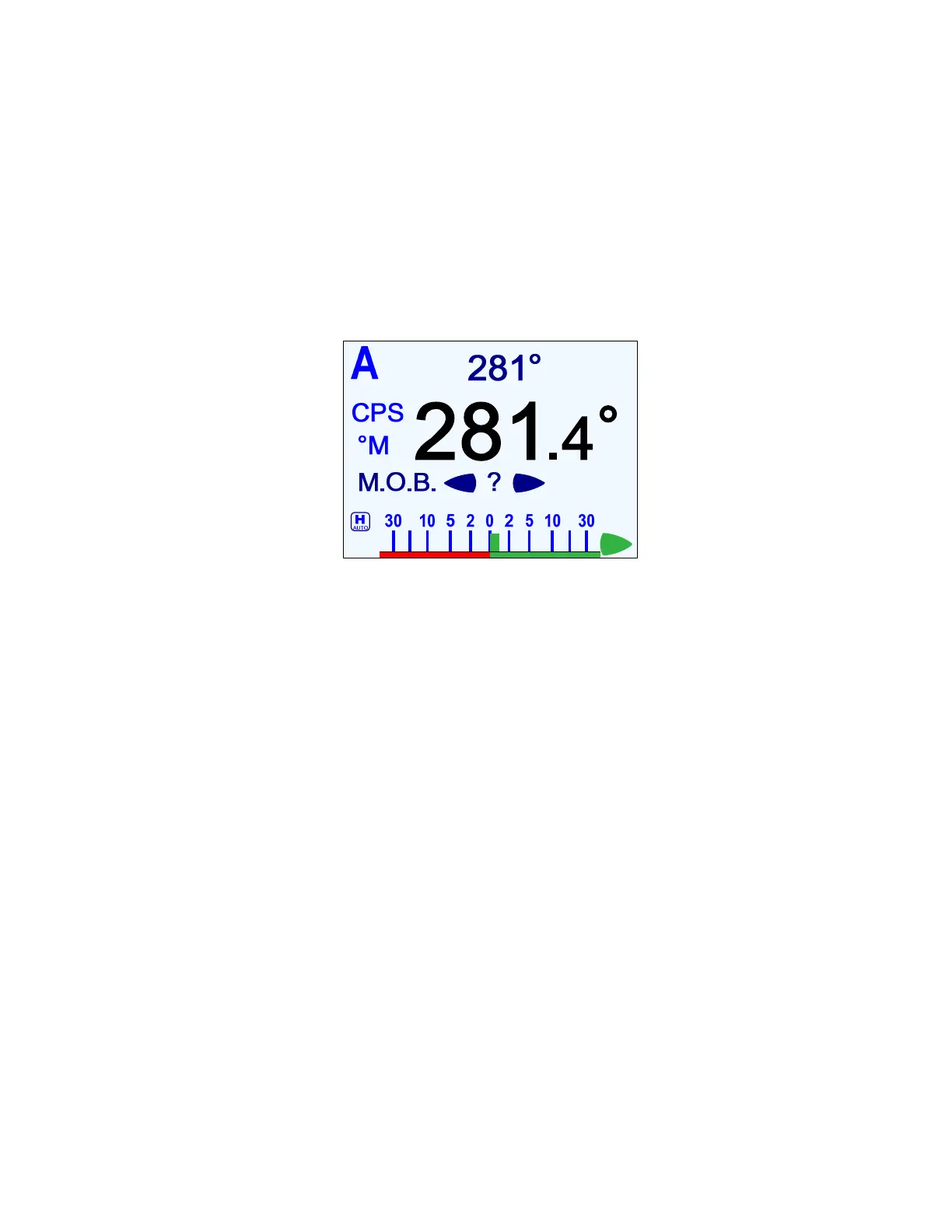
button. The default special turn will be displayed, along with a query for
a direction.
Figure 109 – Typical Special Turn Query
2) If a different special turn other than the default shown is desired, press the
T
T
U
U
R
R
N
N
button
again. The next special turn in the available list will be shown. Press the
T
T
U
U
R
R
N
N
button
again and again until the desired special turn is shown.
3) Press & hold either the
P
P
O
O
R
R
T
T
or
S
S
T
T
A
A
R
R
B
B
O
O
A
A
R
R
D
D
button to select the direction in which to
execute the Special Turn.
The default Special Turn can be changed as desired by adjusting the “Default Turn” in the
Standby menu (see page 117).
Special Turns can be aborted by pressing the
T
T
U
U
R
R
N
N
button again while the Special Turn is
executing, or by changing modes.



 To Next Page