ComNav Commander P2 & P2VS Installation & Operation Advanced Operations
Document PN 29010074 V4.1 - 173 -
Entering the Password
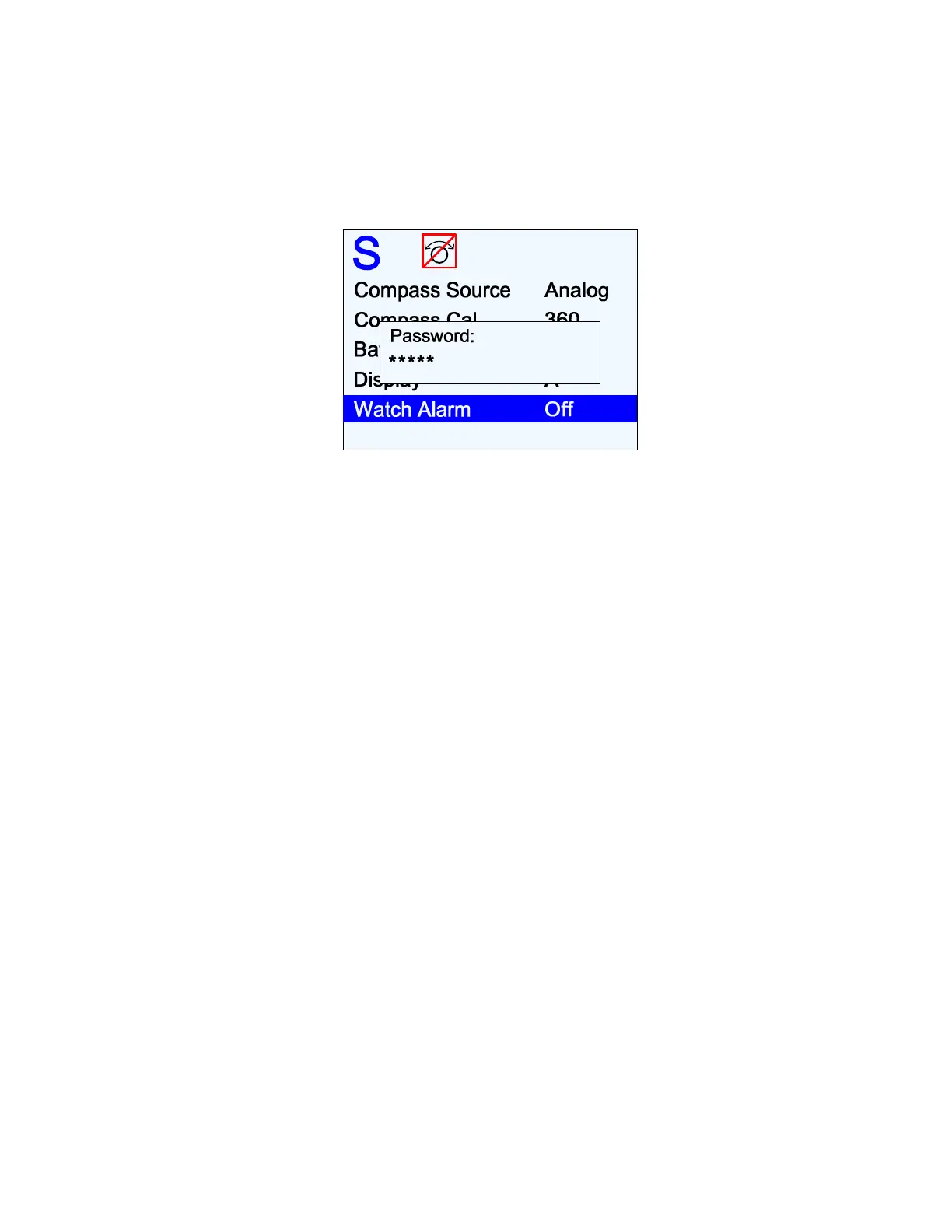
When you attempt to change the Watch Alarm timer, (highlight “Watch Alarm” in the Standby
menu, then turn the COURSE KNOB in either direction), the Control Head responds by
showing a special pop-up box on the LCD screen with the query “Password?”
Figure 123 – Password Query Pop-Up Window
Now enter the password by pressing each button in the sequence. An asterisk (
*
) will appear
on the screen as each button is pressed.
Complete the sequence by pressing the
S
S
T
T
A
A
N
N
D
D
B
B
Y
Y
button.
If the sequence is correctly entered, the pop-up box will disappear, and you will be able to
use the COURSE KNOB to change the value of the Watch Alarm timer.
If the sequence was not correctly entered, “Password Error” is displayed. Try entering the
password sequence – correctly! – again.
•
The pop-up box will remain until the correct password sequence is entered, or the
Standby menu times out, or you exit it with a double-press of the
S
S
T
T
A
A
N
N
D
D
B
B
Y
Y
button, or
you press and hold the
S
S
T
T
A
A
N
N
D
D
B
B
Y
Y
button to shut the autopilot off.



 To Next Page