ComNav Commander P2 & P2VS Installation & Operation Basic Operations
Document PN 29010074 V4.1 - 141 -
Caution!
During a Dodge turn (i.e., while one of the
P
P
O
O
R
R
T
T or
S
S
T
T
A
A
R
R
B
B
O
O
A
A
R
R
D
D
buttons is maintained), the Autopilot will not limit the rate of turn of the boat.
Once the
P
P
O
O
R
R
T
T or
S
S
T
T
A
A
R
R
B
B
O
O
A
A
R
R
D
D button is released, the autopilot will begin to turn
the boat back to the Commanded Heading or Track, but this time the turn will
occur at no greater than the maximum turn rate that is set in the Steering
Parameters.
Special notes for a P2VS without an RFU:
Too much rapid &/or repeated side-to-side dodging can cause the autopilot to
lose track of the estimated rudder position.
Also, be especially careful not to “dodge in the opposite direction” to get back
on-course.
Instead, it is recommended that you always follow a dodge with a “dodge-centre”
(see below), until the rudder reaches the dead-ahead position. Then release
both the direction buttons, and the autopilot will perform a turn to get back onto
the desired Heading. Typically, you will then be off-Track – so if you want to get
back on Track, you can change Heading as required.
If you are in a situation where you do have to dodge frequently, it is better to
change into Power Steer mode, until you are back in a situation where there will
be a long period of “steady Heading”. The same is true if you are on a Track
where you will have to change Heading frequently.
Dodge Centre
You can bring the rudder back to centre (Dead Ahead) part-way through a Dodge. For
example, you might want to center the rudder in order to maintain, for a while, a specific
Heading that the boat has reached during the dodge.
•
Press the “other direction” button (
P
P
O
O
R
R
T
T
if you are dodging to Starboard, and
vice-versa), without releasing the button already being pressed.
•
Maintain both buttons simultaneously for as long as you wish to keep the rudder
centred.
The Track that the boat follows while both buttons are pressed will typically be straight, at
approximately the Heading that was current at the time the second button was pressed.
However, this can be affected by wind and waves, by the boat’s rudder speed and steering
response time, and any directional offset that the boat exhibits when the rudder is centred.
•
Releasing one button will re-start a Dodge in the other direction.
•
Releasing both buttons will end the dodge completely, with the same
mode-dependant behaviour with respect to “resuming the Track” as noted above.
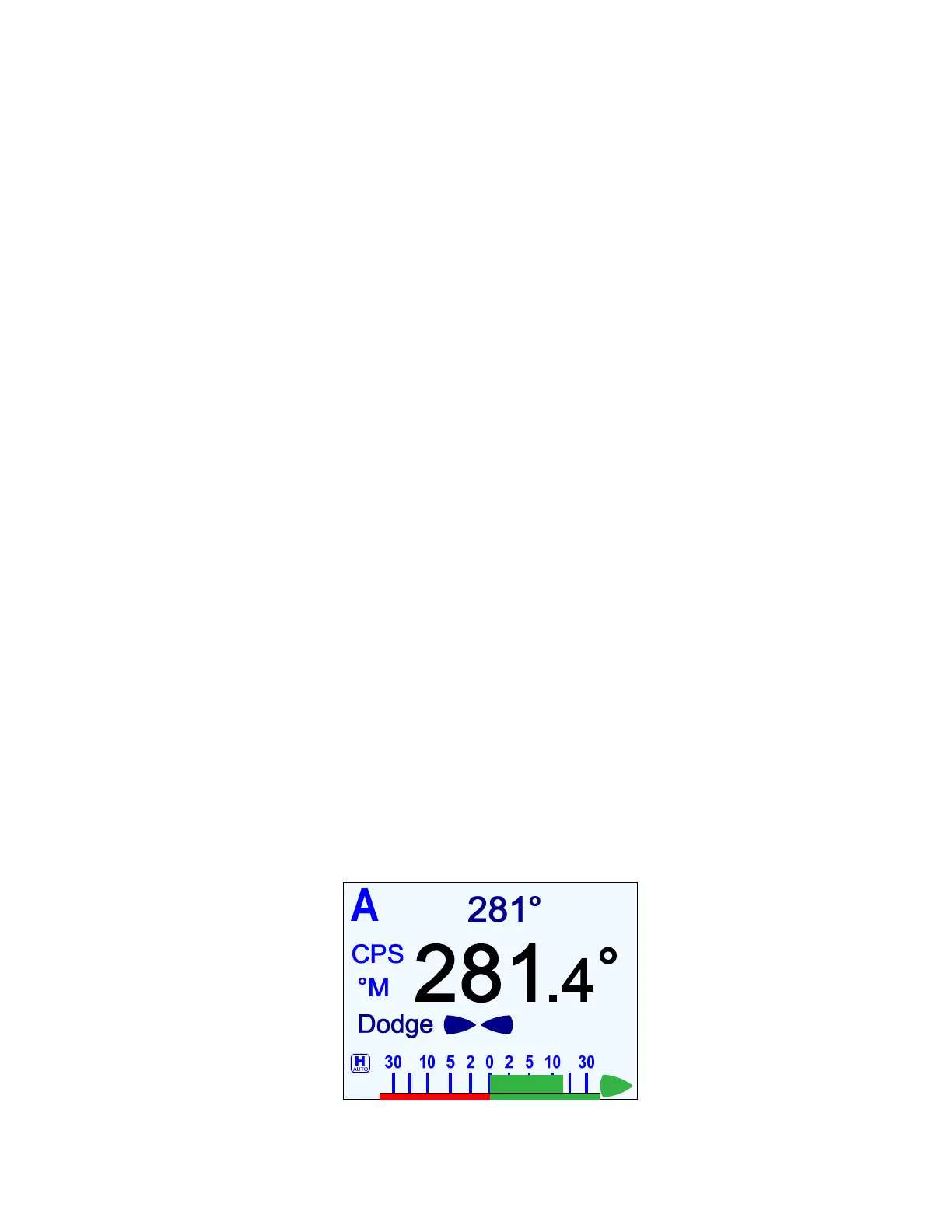
Figure 93 – Holding at a Heading Part-way Through a Dodge Turn



 To Next Page