ComNav Commander P2 & P2VS Installation & Operation Basic Operations
Document PN 29010074 V4.1 - 124 -
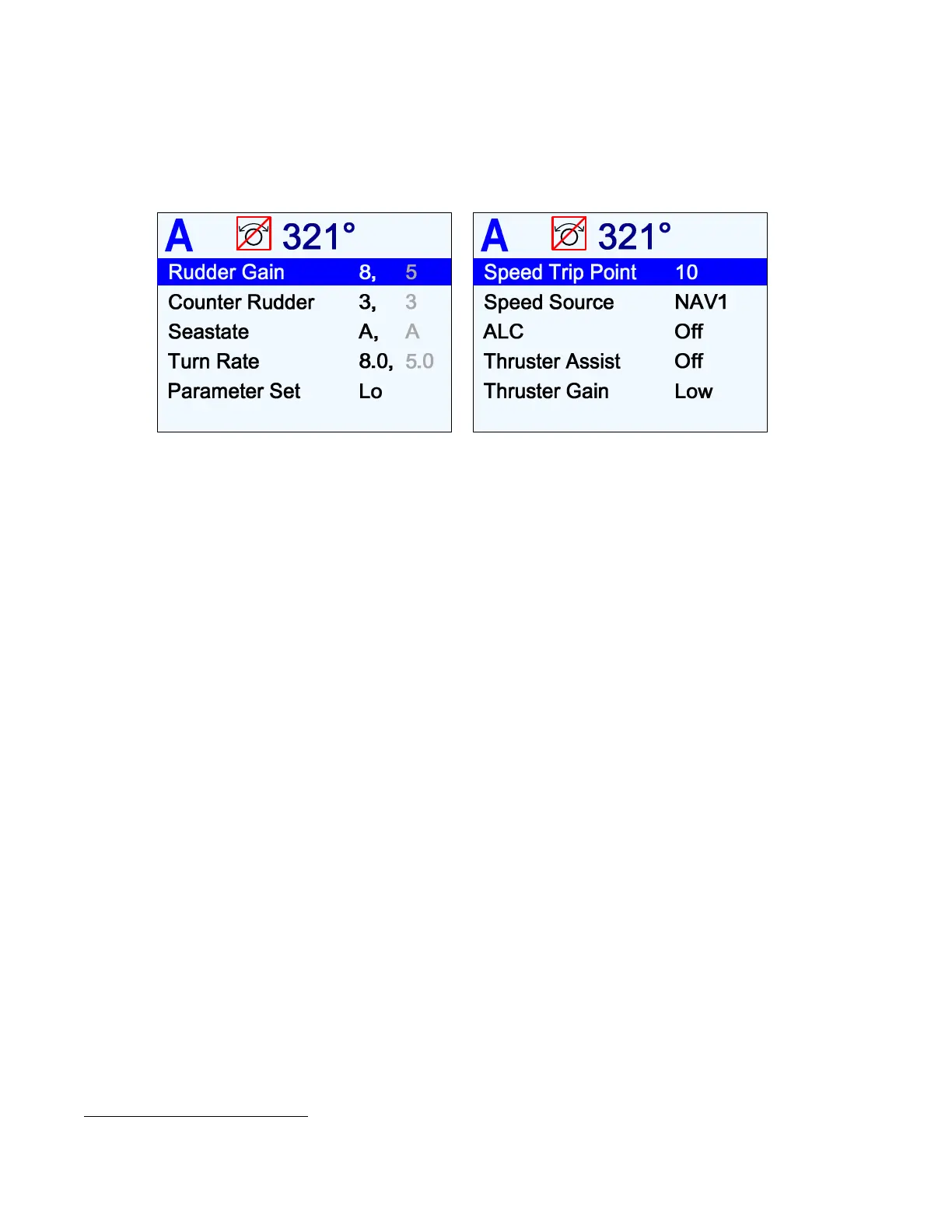
Auto Menu
The Auto menu contains all the autopilot’s Steering Parameters.
To access the Auto menu, double-press the
A
A
U
U
T
T
O
O
button.
Figure 79 – Auto Menu
Rudder Gain
Rudder Gain controls the amount of corrective Rudder movement applied, in proportion to an
error in Heading
32
.
The parameter does not have any units.
P Series autopilots are able to accommodate a wide range of Rudder Gains, but restrict the
user to a certain portion of this range, depending on the setting of the Vessel Type parameter
(see page 87).
The effect of Rudder Gain on the amount of Rudder movement also depends on the type of
boat.
Some examples:
•
On a Stern Drive boat which is off-Heading by 5° to Port, with Rudder Gain set to 6,
and Counter Rudder 0, the boat’s rudder will be moved to 20° Starboard, and stay
there for as long as the Heading error is 5°.
•
On a Semi-Displacement boat under the same circumstances, the boat’s rudder will
be moved to 30° Starboard.
32
… or amount to turn – when you change the Commanded Heading, the resulting “turn” is processed as if it is an “error”.



 To Next Page