Dexcom G5 Mobile System User Guide
100Calibration
Initial Calibration: Sensor Startup Completed
1. When notified (see next table), enter two back-to-back fingerstick measurements into
just one device.
2. No need to do initial calibrations twice.
a. Calibration data flow between the receiver and your app.
b. Ten-minute reporting delay between devices.
3. First update calibration is 12 hours after your initial calibration.
Update Calibration
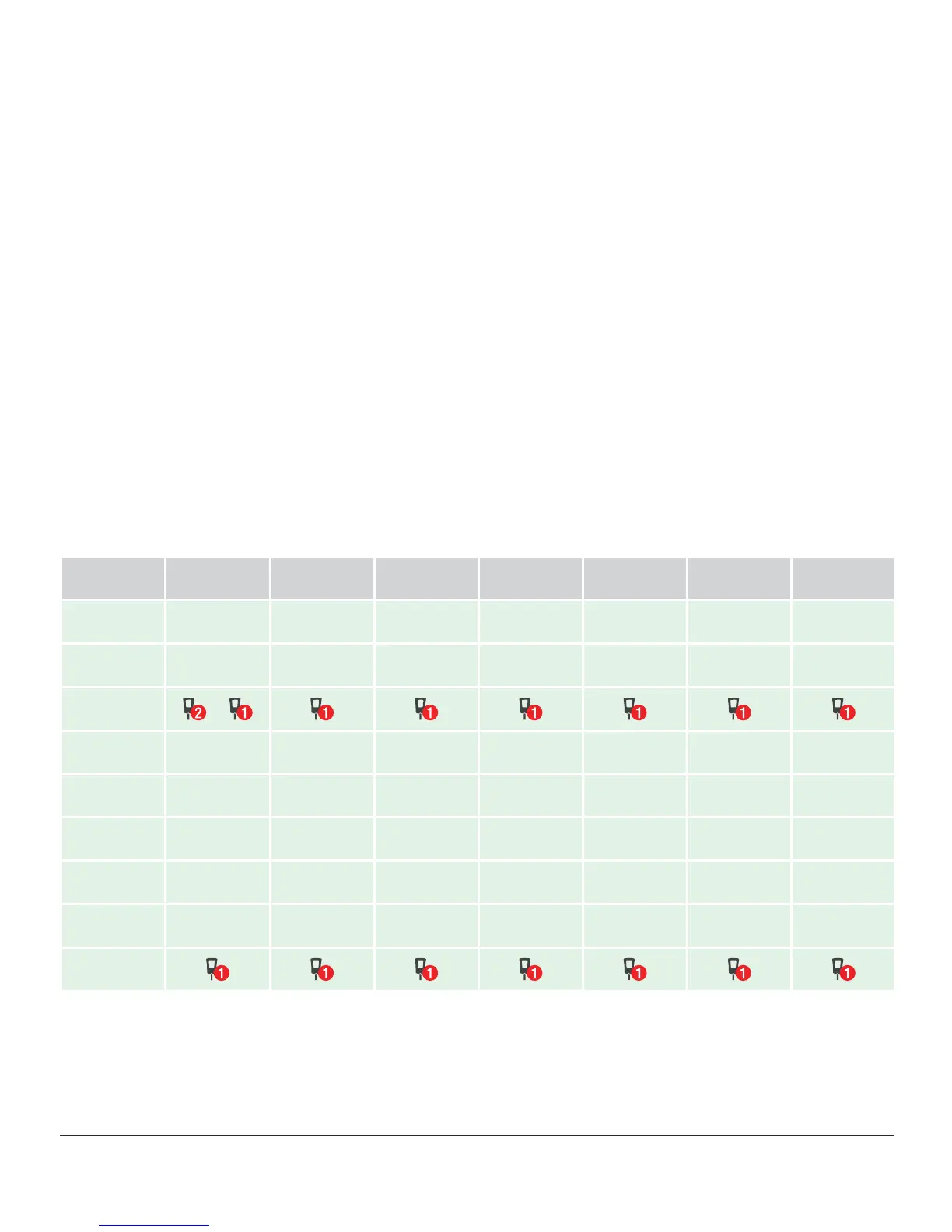
Enter an update calibration every 12 hours after your initial calibration. Below is a sample
calibration schedule. As you can see from the calendar’s BG meters, you:
1. Inserted your sensor and entered initial two calibrations on Monday at 10 AM.
2. Entered update calibration at 10 PM that night.
3. For the rest of the seven-day sensor period, you enter update calibrations at 10 AM and
10 PM.
MON TUE WED THU FRI SAT SUN
8 AM
10 AM
+
10 PM
Figure 5. Example Minimum Calibration Schedule During Seven-Day Sensor Session



 To Next Page