Dexcom G5 Mobile System User Guide
80Starting a Sensor Session: Inserting Sensor, Attaching Transmitter, and Starting Your Session
(Continued from previous page)
Preparation
2
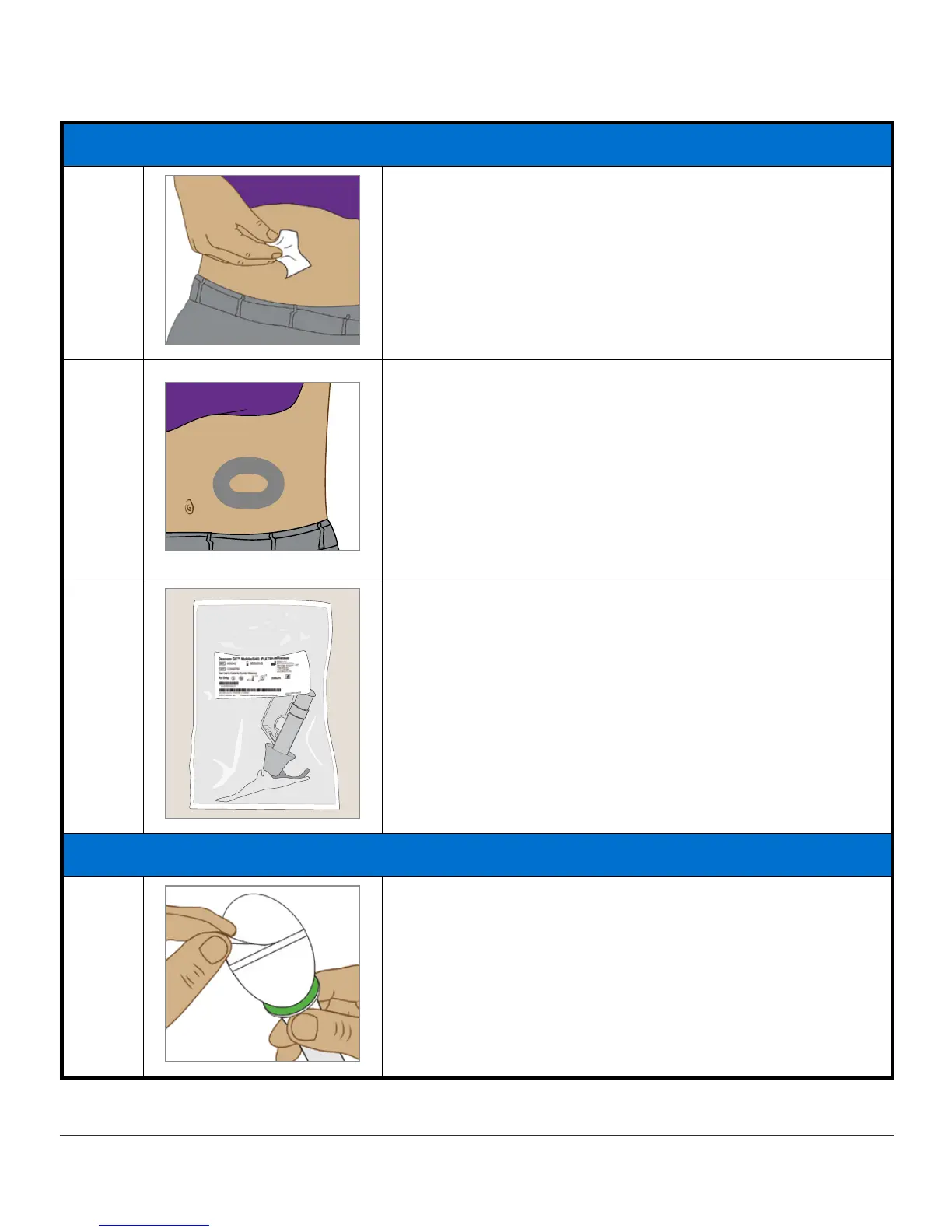
Clean
insertion site
with alcohol wipe.
Let dry.
3
Optional Step: Skin Adhesive
Create an
empty, sideways oval
on the skin
• Do not get any skin adhesive inside the oval
• Let skin adhesive dry (see manufacturer’s
instructions)
• Insert sensor on clean skin at the center of the
oval
4
Check
pack
: Is it damaged or already opened?
Remove
sensor applicator
from sterile pack.
Closely inspect
sensor
, check it hasn’t been
damaged.
Keep
sensor packaging
until sensor session is
complete.
Attaching Sensor Pod
5
Pull off
adhesive backing tabs
.
Don’t touch
sticky adhesive patch
.
(Continued on next page)



 To Next Page