Dexcom G5 Mobile System User Guide
229On the Go With G5: Customizing Your Alarm and Alerts
Customizing Alerts
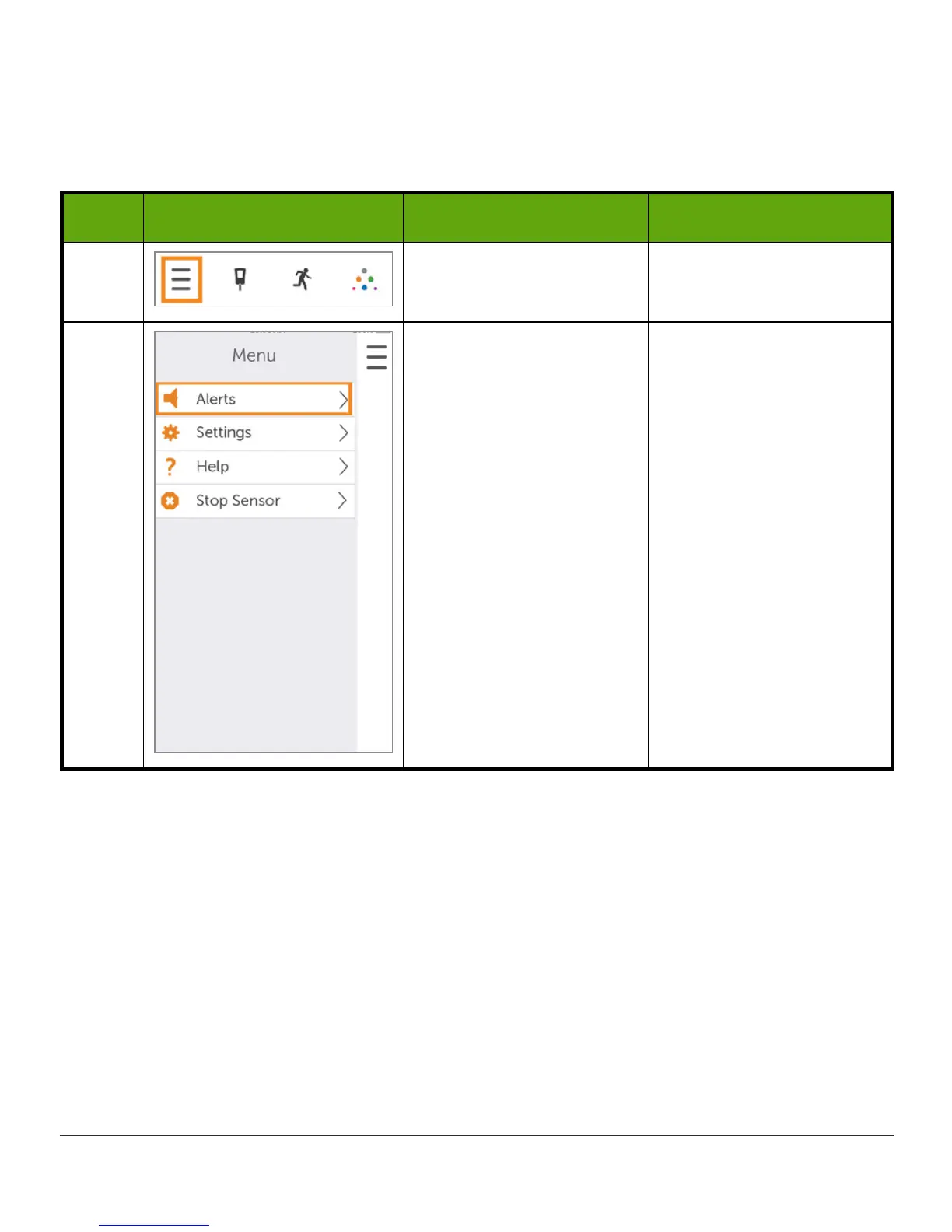
In this following example, we’ll change the High Alert level from 200 mg/dL to 190 mg/dL,
repeating every hour if you continue to stay high, with a Door Bell sound.
Step What you see What it means What you do
1 Access Menu. Tap
Menu
.
2
Access Alerts Menu. Tap
Alerts
.
(Continued on next page)



 To Next Page