Dexcom G5 Mobile System User Guide
54Set Up Your Display Devices
Your initial setup will require a Dexcom username and password. You can create them by
tapping
Sign Up
within the app, or by going to dexcom.com.
But what if you are unclear about a step?
The Dexcom G5 Mobile app has prompts allowing you to get more information. If you are
unsure of something during your initial setup process, look at the screen for additional
information prompts. Informational prompts include, but aren’t limited to:
I don’t understand
,
Learn More
, or
Question Mark
. Tap your
informational prompt
to get more information.
To close out of the information prompt, tap the
X
in the upper right-hand corner.
Initial App Setup
Step What you see What you do
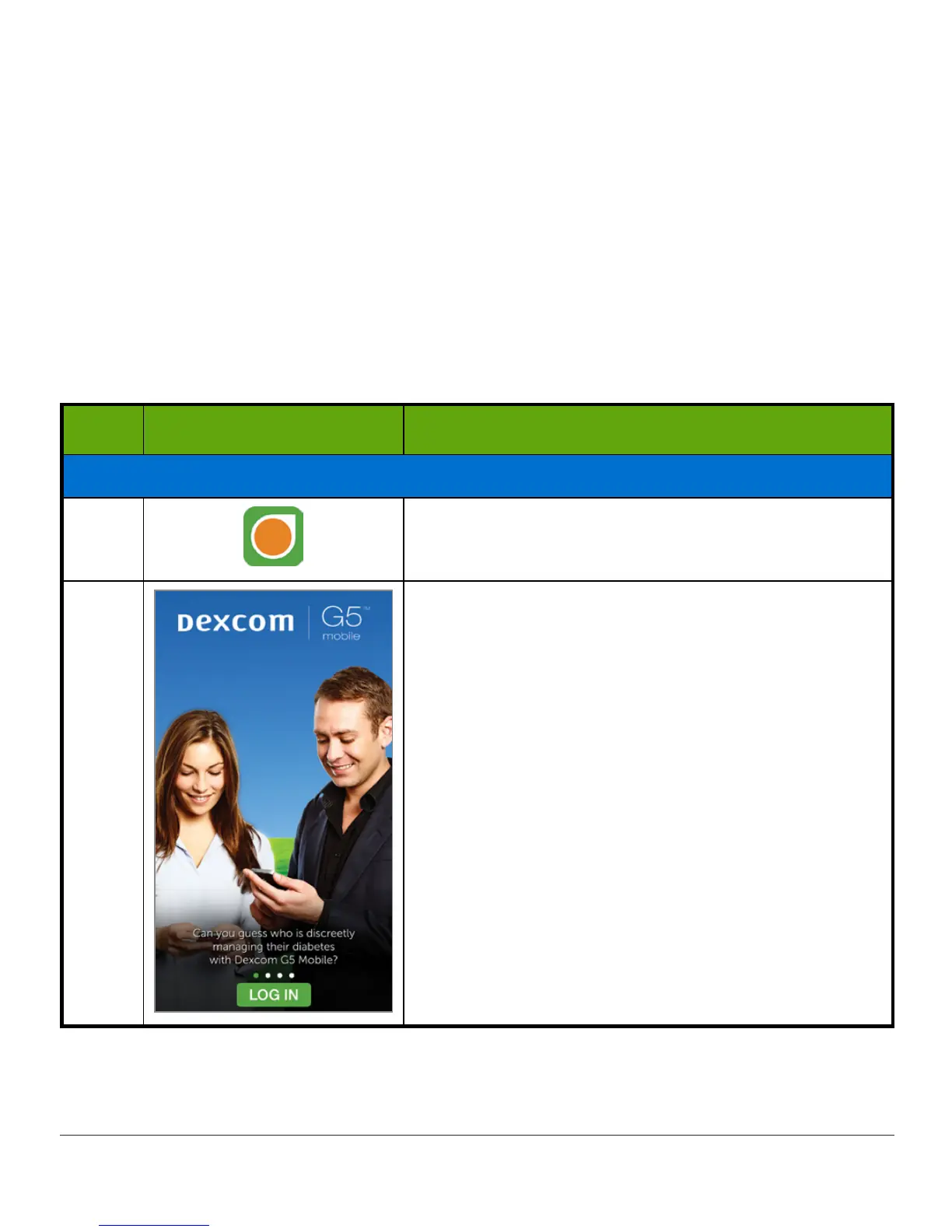
Introductory Screens
1 Tap
Dexcom
G5 Mobile app
icon to open app.
2
Tap
Log In
.
(Continued on next page)



 To Next Page