Dexcom G5 Mobile System User Guide
79Starting a Sensor Session: Inserting Sensor, Attaching Transmitter, and Starting Your Session
Optional Site Preparation
Use optional skin adhesives (Mastisol
™
, SkinTac
™
) as part of your insertion site preparation to
help keep your sensor pod attached. Apply the skin adhesive after you selected and cleaned
your insertion site. Create an empty sideways oval, making sure you don’t get any skin
adhesive inside the oval. Let the oval dry based on skin adhesive manufacturer’s instructions.
Once dry, your skin may feel slightly sticky.
See Step 3 in the next table for directions.
NOTE: Contact your HCP for specific questions regarding the use of medical tape, barrier
wipes, and/or other adhesives as it relates to your use of Dexcom CGM.
6.5 Inserting Your Sensor
You’ve collected all of the needed items to begin a sensor session, viewed the tutorials,
reviewed the sensor applicator, and prepped the sensor pod site. You’re now ready to insert
your sensor!
Sensor Insertion
Step What you see What you do
Preparation
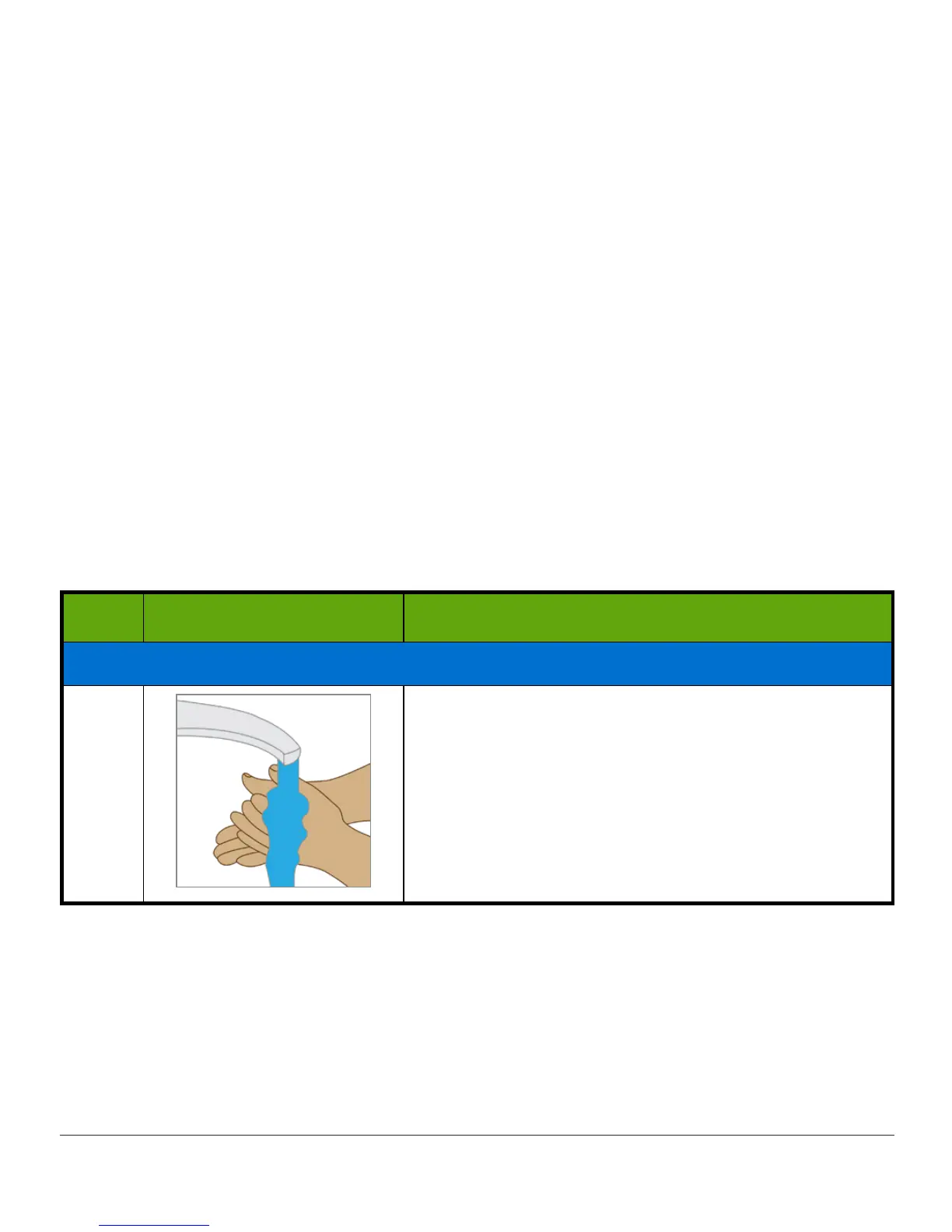
1
Wash and dry your hands.
(Continued on next page)



 To Next Page