Dexcom G5 Mobile System User Guide
306Technical Information
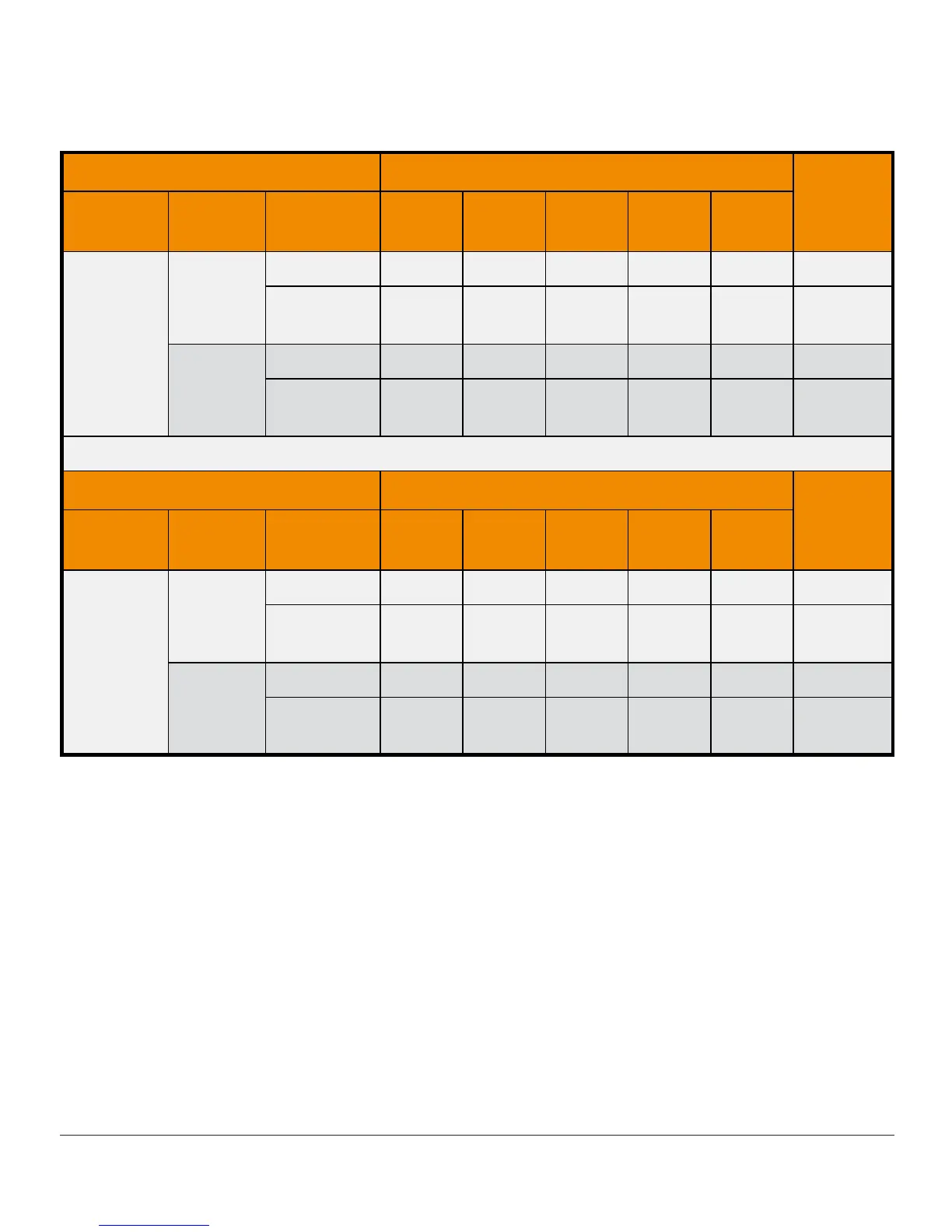
Table 2-B. Number and Percentage of YSI Values When CGM Readings Are
“LOW” or “HIGH” (Pediatric)
YSI mg/dL
Total
CGM
Readings
Study
1
CGM-YSI
Pairs
< 55 < 60 < 70 < 80 ≥ 80
“LOW”
Original
n 0 0 0 0 13 13
Cumulative
Percent
0% 0% 0% 0% 100%
Software
505
n 3 5 10 15 1 16
Cumulative
Percent
19% 31% 63% 94% 6%
YSI mg/dL
Total
CGM
Readings
Study
1
CGM-YSI
Pairs
> 340 > 320 > 280 > 240 ≤ 240
“HIGH”
Original
n 38 51 68 69 1 70
Cumulative
Percent
54% 73% 97% 99% 1%
Software
505
n 14 19 22 23 1 24
Cumulative
Percent
58% 79% 92% 96% 4%
1
Both sets of study data are presented and are labeled as Original (SW10050) or Software
505
(SW10505).
Agreement When CGM Reads “LOW” or “HIGH”
The system reports glucose readings between 40 and 400 mg/dL. When the system determines the
glucose reading is below 40 mg/dL, it displays “LOW” in the receiver status box. When the system
determines that the glucose level is above 400 mg/dL, it displays “HIGH” in the receiver Status
Box. Because the system does not display glucose values below 40 mg/dL or above 400 mg/dL, the
comparisons to the actual BG levels (as determined by the YSI analyzer) when CGM is classified as
“LOW” or “HIGH” are included separately in Table 2-A and 2-B. The tables include the numbers and
the cumulative percentages when YSI values were less than certain glucose levels (for “LOW”), and
when YSI values were greater than certain glucose levels (for “HIGH”).



 To Next Page