Dexcom G5 Mobile System User Guide
221Sensor Glucose Alarm and Alerts
Once confirmed, you won’t receive the same Alert unless you hit the Alert’s target range
again. Your Alarm will repeat even after confirming if your glucose levels do not return to your
target range.
11.8 Receiver: Test Speaker and Vibrations
Have you ever wondered if you’re hearing your alarm or alerts? It’s a good idea to check your
speaker and vibration regularly and anytime you’re worried about not getting them. After all,
you have to receive the Alarm/Alert to respond to it.
You can test the receiver’s speaker and vibrations whenever you charge your receiver. When
you plug in the receiver to charge, you’ll see a Speaker Test screen.
Use the speaker test to listen for the test beep and feel for the test vibrations. If you get the
beep and vibrations, great! The speaker and vibrations work! You’ll hear and feel your Alarm
and Alerts. But if the receiver doesn’t beep and/or vibrate, it may be broken and you won’t
hear and/or feel Alarm or Alerts.
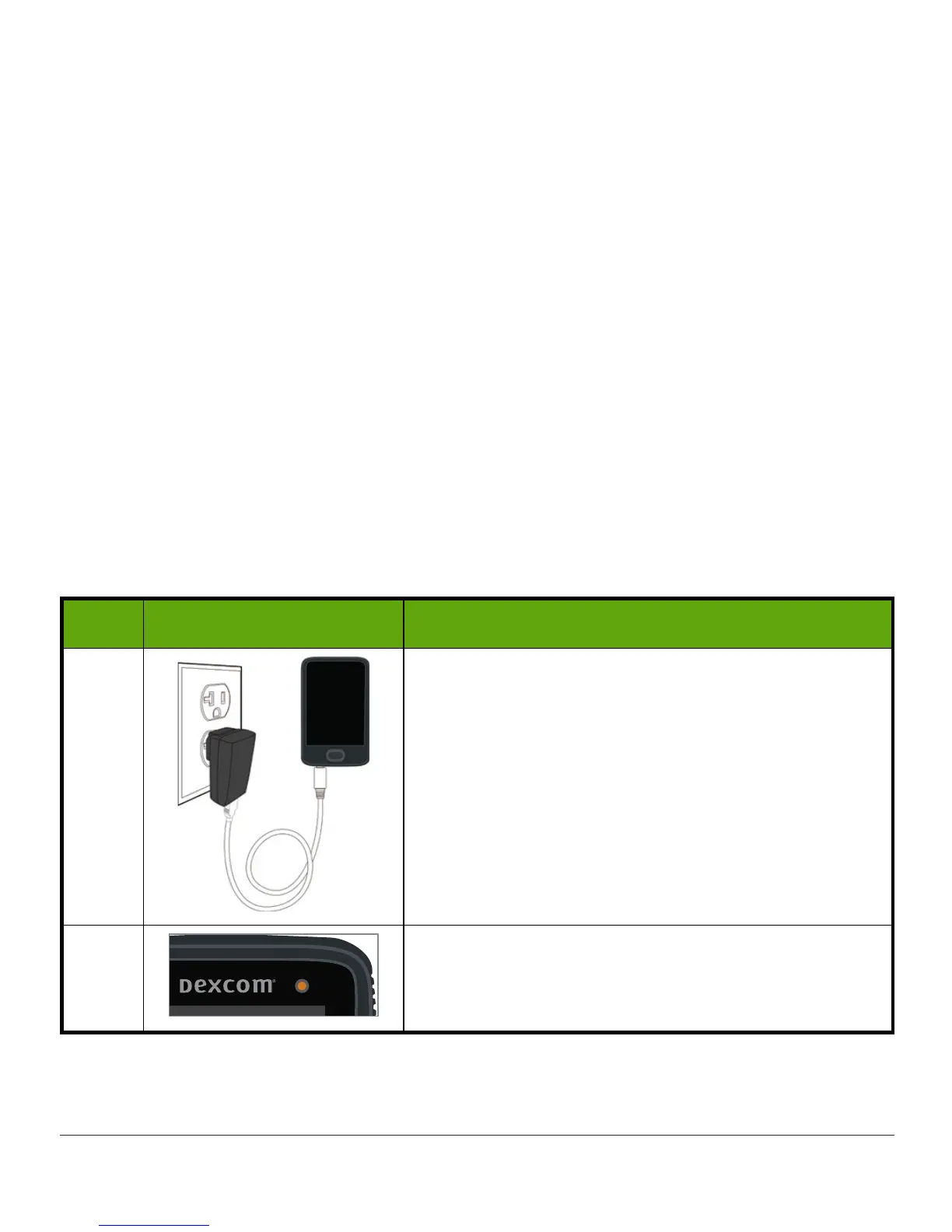
Follow these steps to test your speaker and vibrations:
Test Speaker and Vibrations: Receiver
Step What you see What you do
1 Plug
receiver
into the wall to charge.
2
The yellow light shows the receiver is charging.
(Continued on next page)



 To Next Page