Dexcom G5 Mobile System User Guide
222Sensor Glucose Alarm and Alerts
(Continued from previous page)
Step What you see What you do
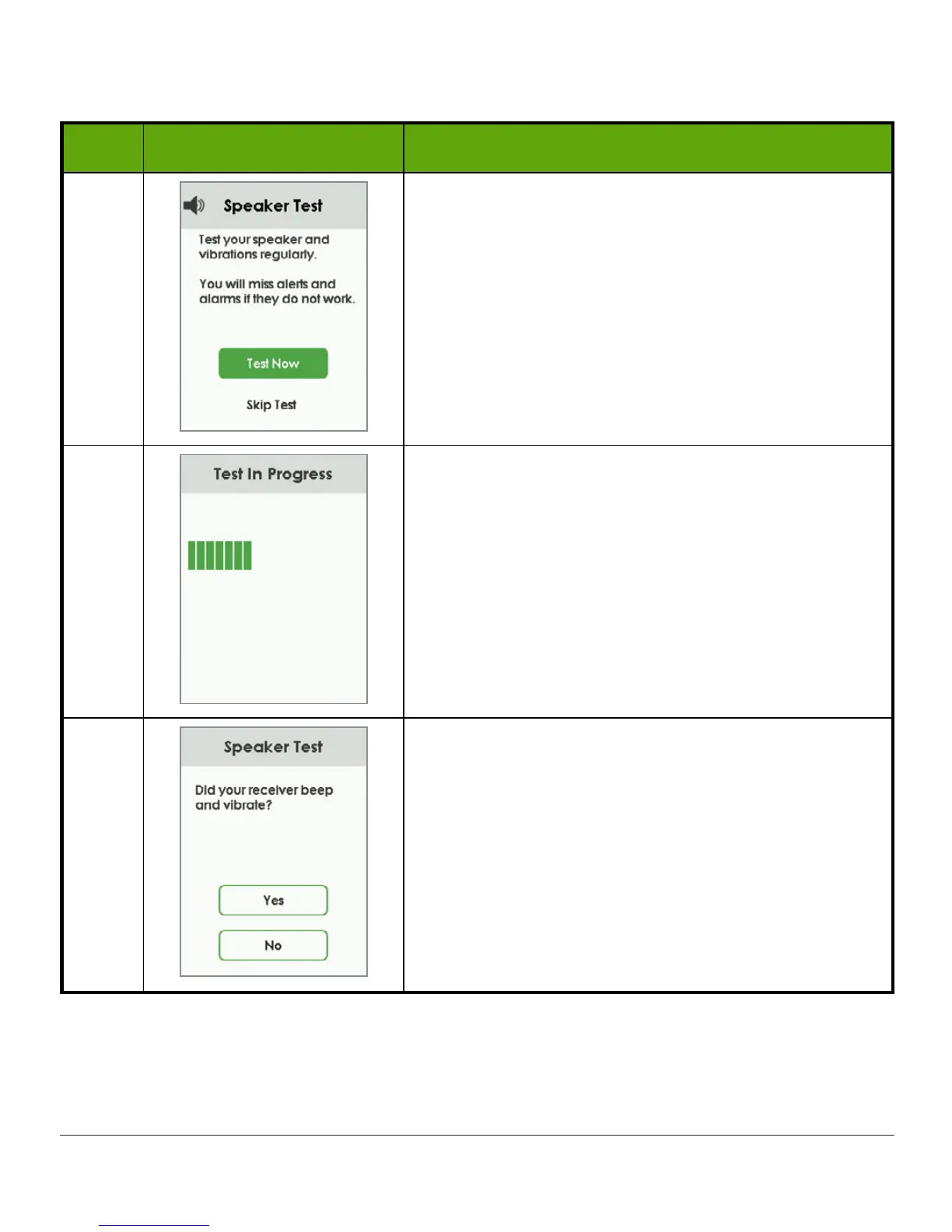
3 Tap
test now
.
4
Receiver will beep and vibrate so you can make
sure they are working. Listen for the beeps and
feel for the vibrations.
5
Did your receiver beep and vibrate?
• Yes? Tap
Yes
and go to step 6.
• No? Tap
No
and go to step 7.
(Continued on next page)



 To Next Page