Dexcom G5 Mobile System User Guide
396Sharing Is Caring
(Continued from previous page)
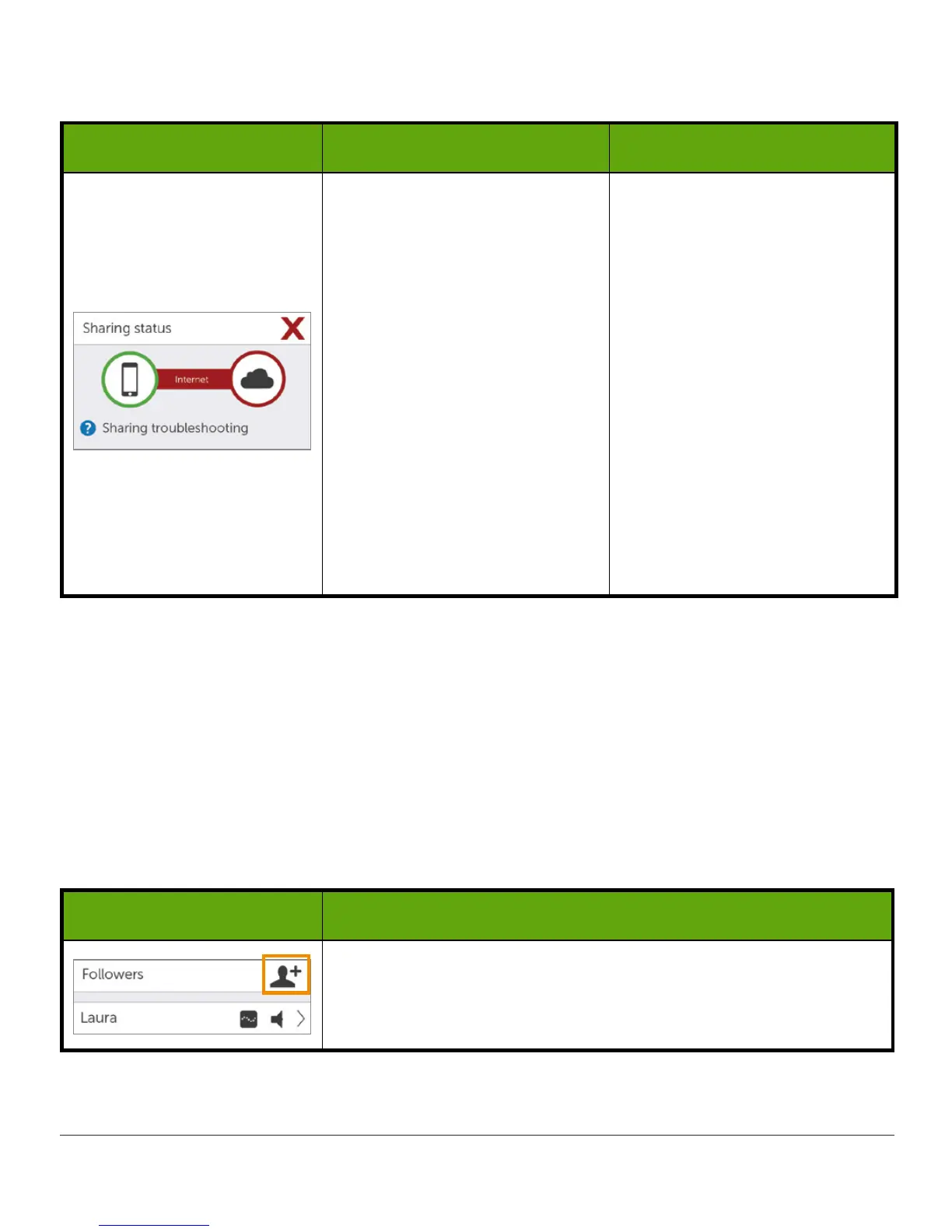
What you see What it means What you do
Issue with:
• Sharer’s Internet
connection
• Dexcom
Share
Cloud
The Sharer should make sure:
• Their Wi-Fi or cellular
connection is On
• They are in an area that
has cellular reception
• They are not on a voice
call
• They can access the
web via a browser
• To check later or follow
up with their Internet
connectivity provider
• To tap on blue
?
to learn
more about how to
troubleshoot this issue
Follower List
The Followers list allows the Sharer to manage his/her Followers.
In the Followers list the Sharer can:
• Invite a new Follower
• See the status of Followers that have been invited
• Glance at what options current Followers have
Icon/Status
What you see What it means
Invite a new Follower.
(Continued on next page)



 To Next Page