Dexcom G5 Mobile System User Guide
56Set Up Your Display Devices
(Continued from previous page)
5
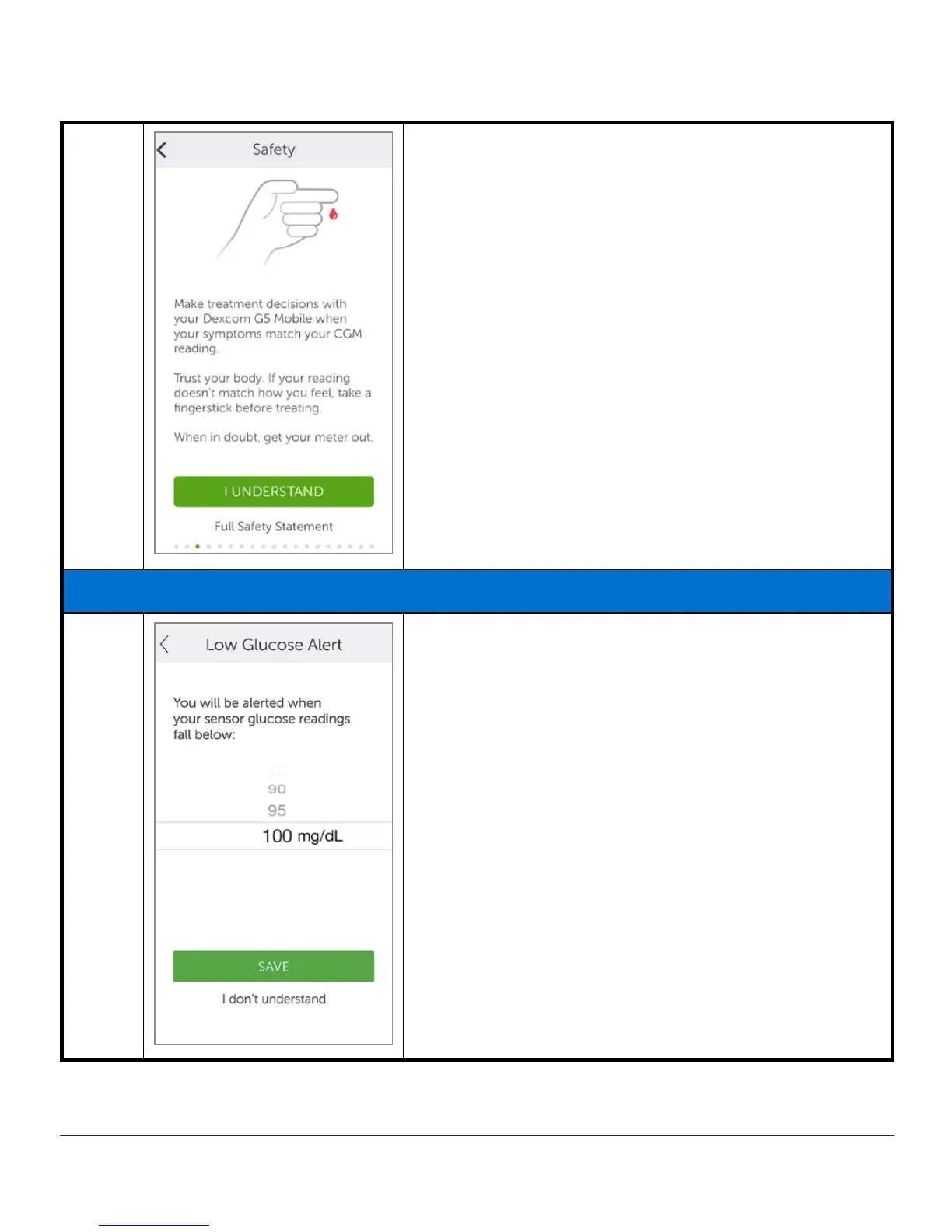
The next screens go over the safety warnings,
treatment decisions information, and alerts.
Once each screen is read, tap the
appropriate
answer
to move forward.
Tap
Full Safety Statement
or, when available,
I don’t
understand
to get more information.
Setting Up Your App Alarm/Alerts and Basic Settings
6
Set your Low Glucose Alert.
Default is 80 mg/dL.
Scroll to select your level.
Tap
Save
to continue.
Once your Low Glucose Alert is set, you’ll receive an
Alert if your glucose dips below your set level.
(Continued on next page)



 To Next Page