Dexcom G5 Mobile System User Guide
175Home Screen, Rate of Change Arrows, and Errors
(Continued from previous page)
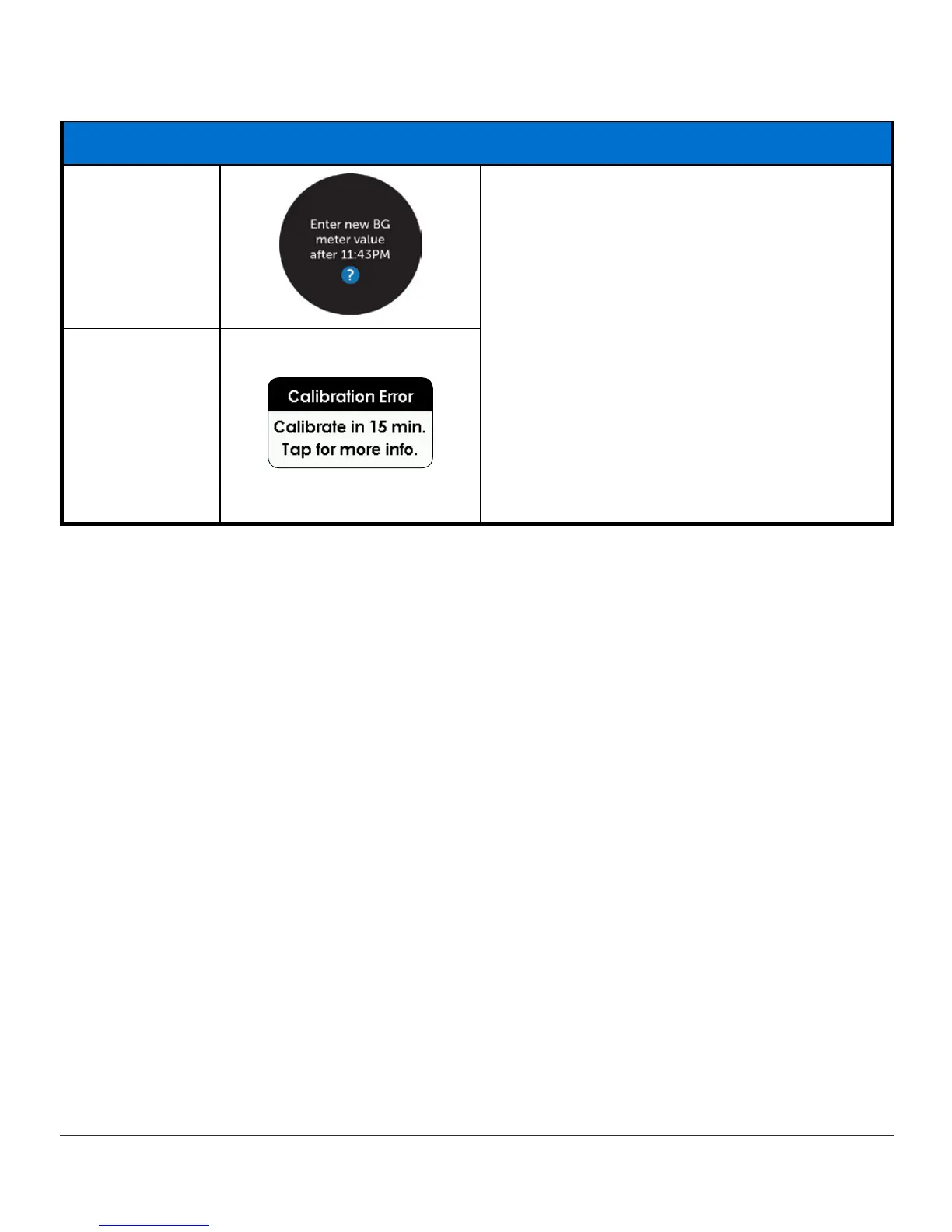
Calibration Error: Calibrate Later
App
Wait 15 minutes.
Enter a BG meter value.
If error screen still appears, enter one more
BG meter value. Wait 15 minutes.
If no sensor glucose readings appear on the
display, the sensor needs to be replaced.
Contact Technical Support (available 24/7)
at:
• TechSupport@dexcom.com
• Toll free: 1.888.738.3646
• Toll call: 1.858.200.0200
Receiver
If error messages don’t go away after you followed necessary steps, and you aren’t getting
sensor glucose readings, contact Technical Support (see Chapter 17).
Summary
Now You Can:
• Recognize home screen icons
• Locate sensor glucose reading
• Explain glucose target range
• Recognize the importance of gray, yellow, and red colors
• Identify Low/High Glucose Alert levels on your trend graph
• Describe when you receive a high or low sensor glucose reading
• Change trend graph views
• Cite differences between rate of change arrows
• Recognize status icons and error messages



 To Next Page