EasyManua.ls Logo

Dexcom G5 - Initial Calibrate with Your Dexcom G5 Mobile App

Dexcom G5
410 pages
Print Icon
To Next Page IconTo Next Page
To Previous Page IconTo Previous Page
Loading...
Dexcom G5 Mobile System User Guide
107Calibration
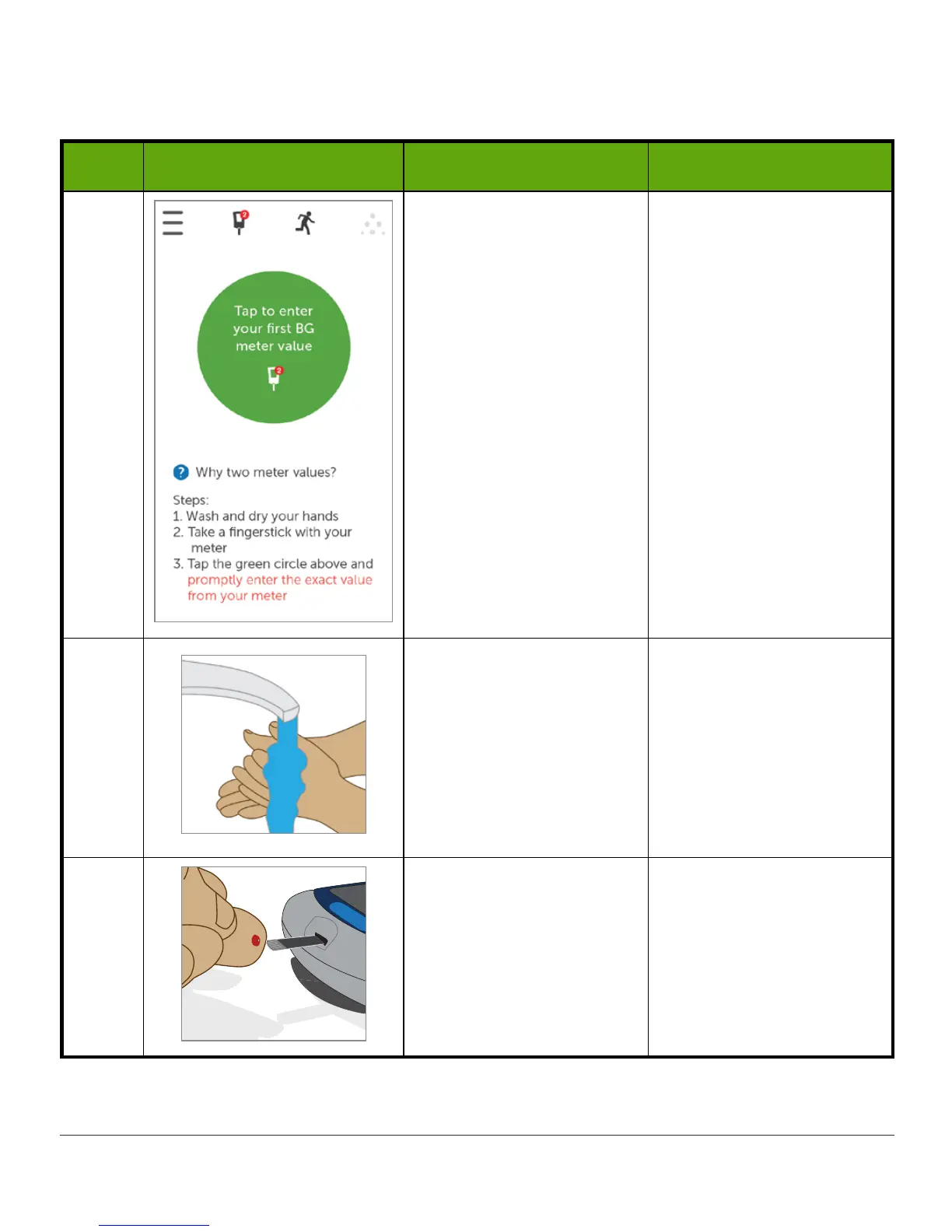
Initial Calibrate With Your Dexcom G5 Mobile App
Step What you see What you do Additional info
1 Tap
circle
.
Initial calibration: Enter
two back-to-back meter
BG values.
Update calibration:
Enter single meter BG
value.
2
Wash and dry your
hands.
Always use soap and
water.
Having clean and dry
hands is key to getting a
good BG meter value.
Don’t use cleaning gels,
they may affect your
meter values.
3
Take a fingerstick BG
measurement using your
BG meter.
Only use your fingertip;
never use alternative
sites for measuring your
BG.
(Continued on next page)

Table of Contents

Related product manuals