Dexcom G5 Mobile System User Guide
47What's the Dexcom G5 Mobile?
The receiver is neither water resistant nor waterproof and can get damaged if moisture gets
inside, so keep it away from any liquids and very high humidity as well as dirt and dust. If
your receiver does get wet or dirty, test it to make sure the speaker and vibrations still work
(see Chapter 11).
The small hole on the back of the receiver is not to be used to reset the receiver. Do not push
anything through the hole.
If your receiver isn’t charged, see Chapter 14 for charging your receiver’s battery.
You can change the protective case. Just take off the black one and put on one of the colored
ones. Be sure to line up the cover’s speaker holes with the receiver speaker.
If you want to use the receiver along with a smart device, you need to set them up
separately.
Remember, you can’t use a combination of smart devices during a sensor session; select just
one.
Receiver Overview
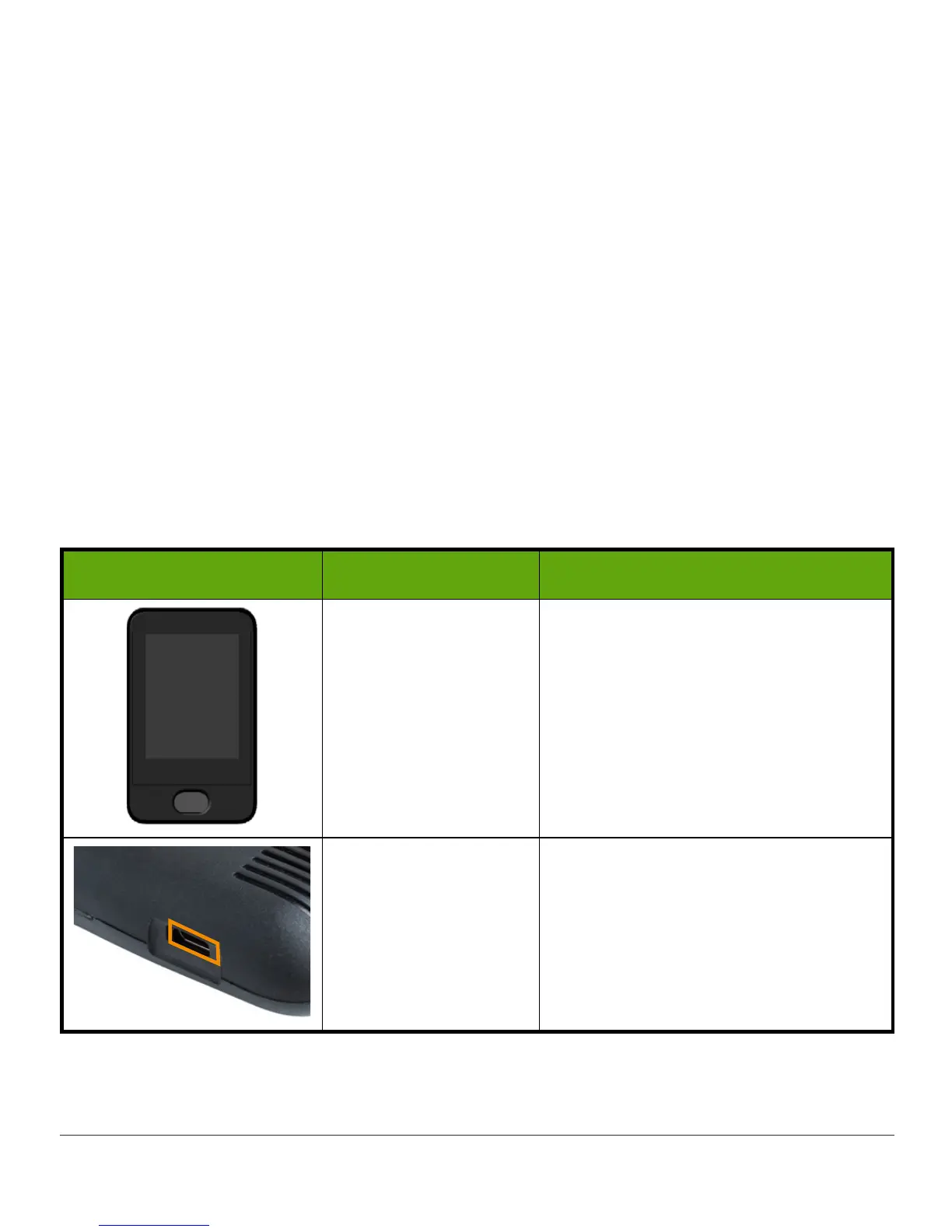
What you see What it’s called What it does
Receiver
Provides data about your glucose
trends via screen display, sounds
and vibration.
Micro USB Port
Plug
USB cable
into
port
for
recharging.
(Continued on next page)



 To Next Page