Dexcom G5 Mobile System User Guide
48What's the Dexcom G5 Mobile?
(Continued from previous page)
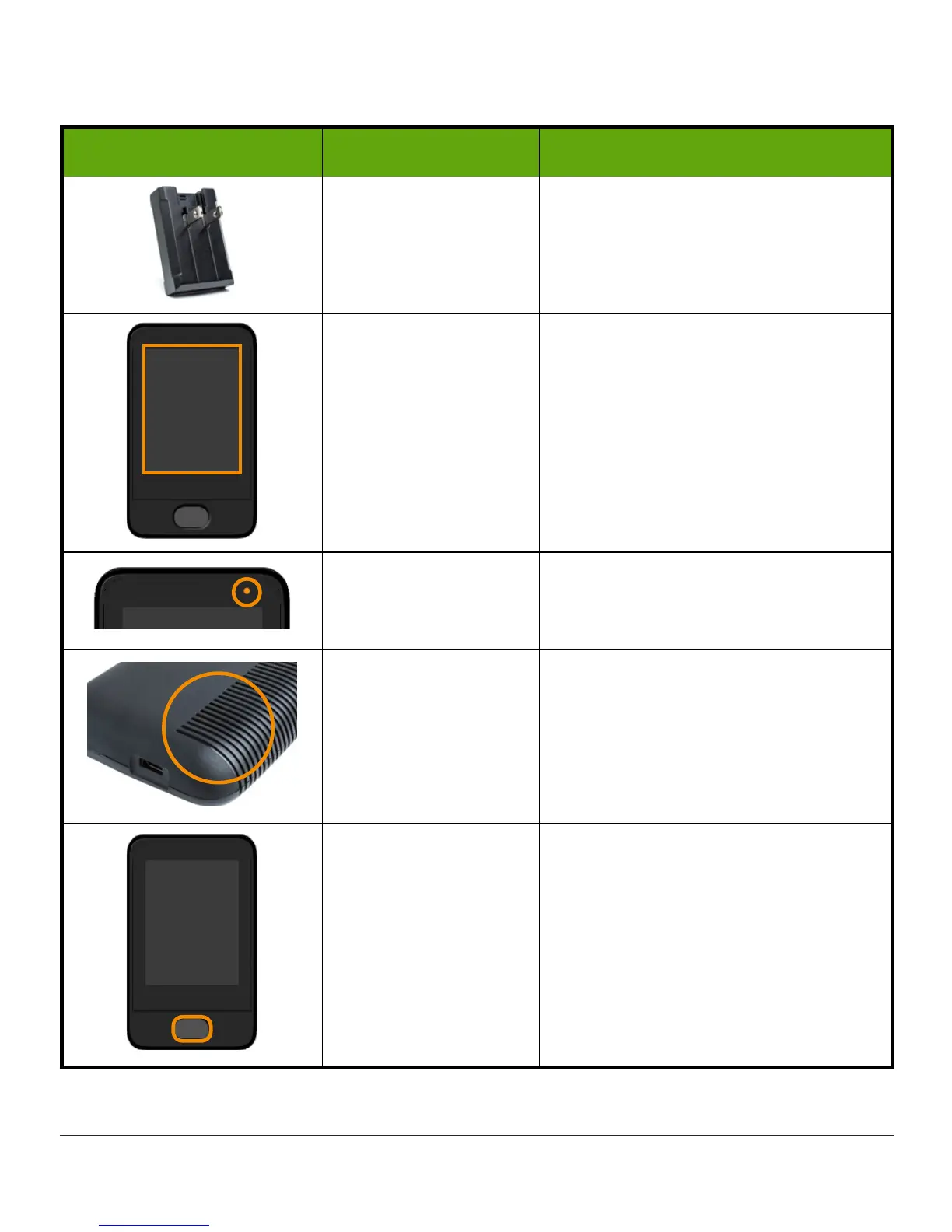
What you see What it’s called What it does
Wall Charger
Plug
USB cable
into
adapter/wall
charger
.
Plug
wall charger
into an electrical
outlet to charge receiver’s battery.
Display Screen
Shows sensor glucose readings,
trend graphs and arrows,
Alarm/Alerts, sensor session status.
Change settings on Menu screen.
Charging Indicator
Turns on when receiver is being
charged.
Speaker
Allows you to hear your Alarm/Alerts
sounds.
Power Button
Press and hold button for two
seconds to turn it on.
Press briefly to turn the screen on
or off.



 To Next Page