Dexcom G5 Mobile System User Guide
393Sharing Is Caring
Dexcom
Share
Status Icons
Status tab What it is
The
Share
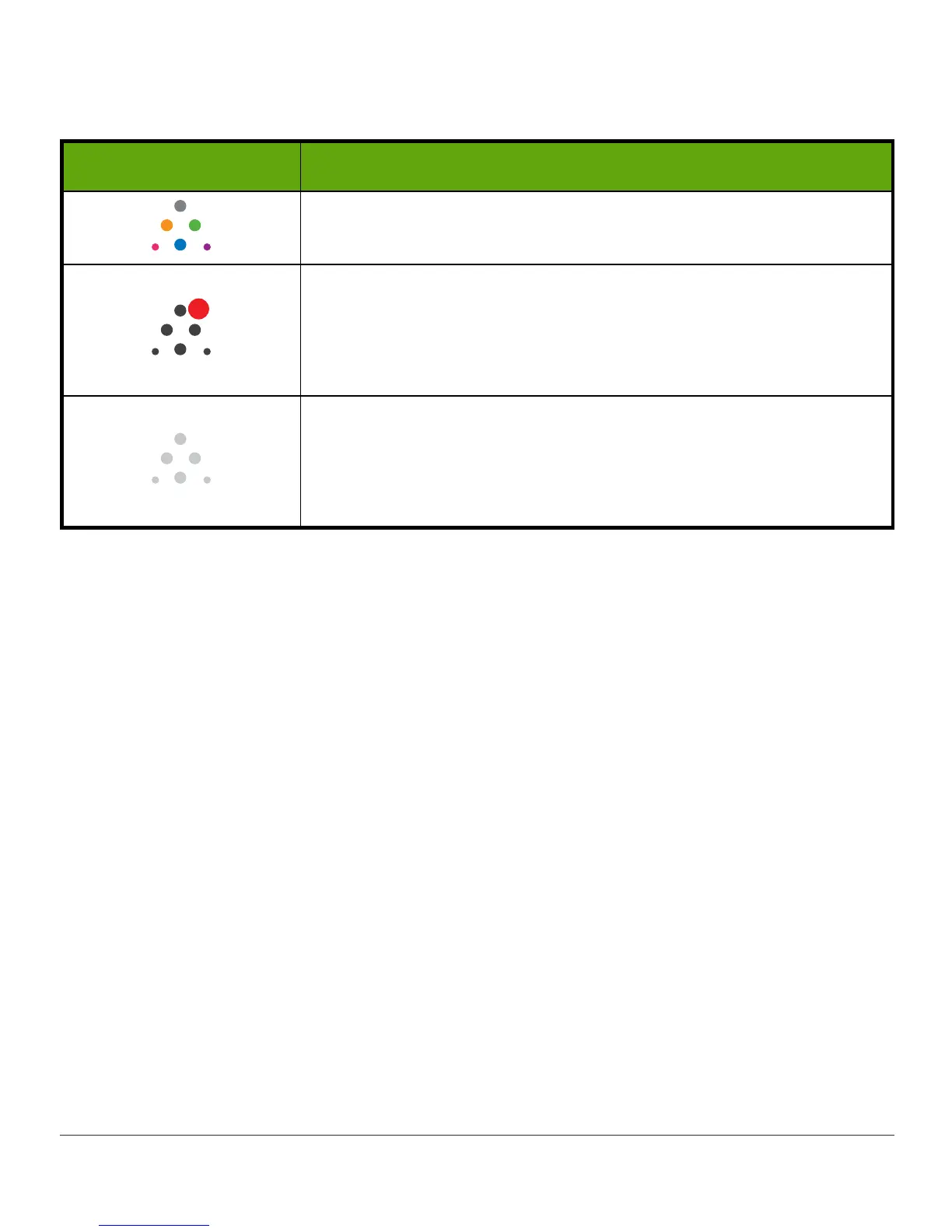
icon is in color when Dexcom
Share
is sending
sensor glucose readings and information.
The Share icon is dark gray with a red circle when Dexcom
Share is not working.
The Sharer should tap on the dark gray icon when Share is not
working to get further information about the error.
The
Share
icon is light gray when Dexcom
Share
has not been
activated.
The Sharer should tap the light gray icon to get started using
Dexcom
Share
.
When a device or connection is not working, Dexcom
Share
will not work. The Sharer will not
be able to send sensor glucose readings and data to Follower(s).



 To Next Page