Dexcom G5 Mobile System User Guide
131Ending Your Sensor Session and Transmitter Session
(Continued from previous page)
Step What you see What it means What you do
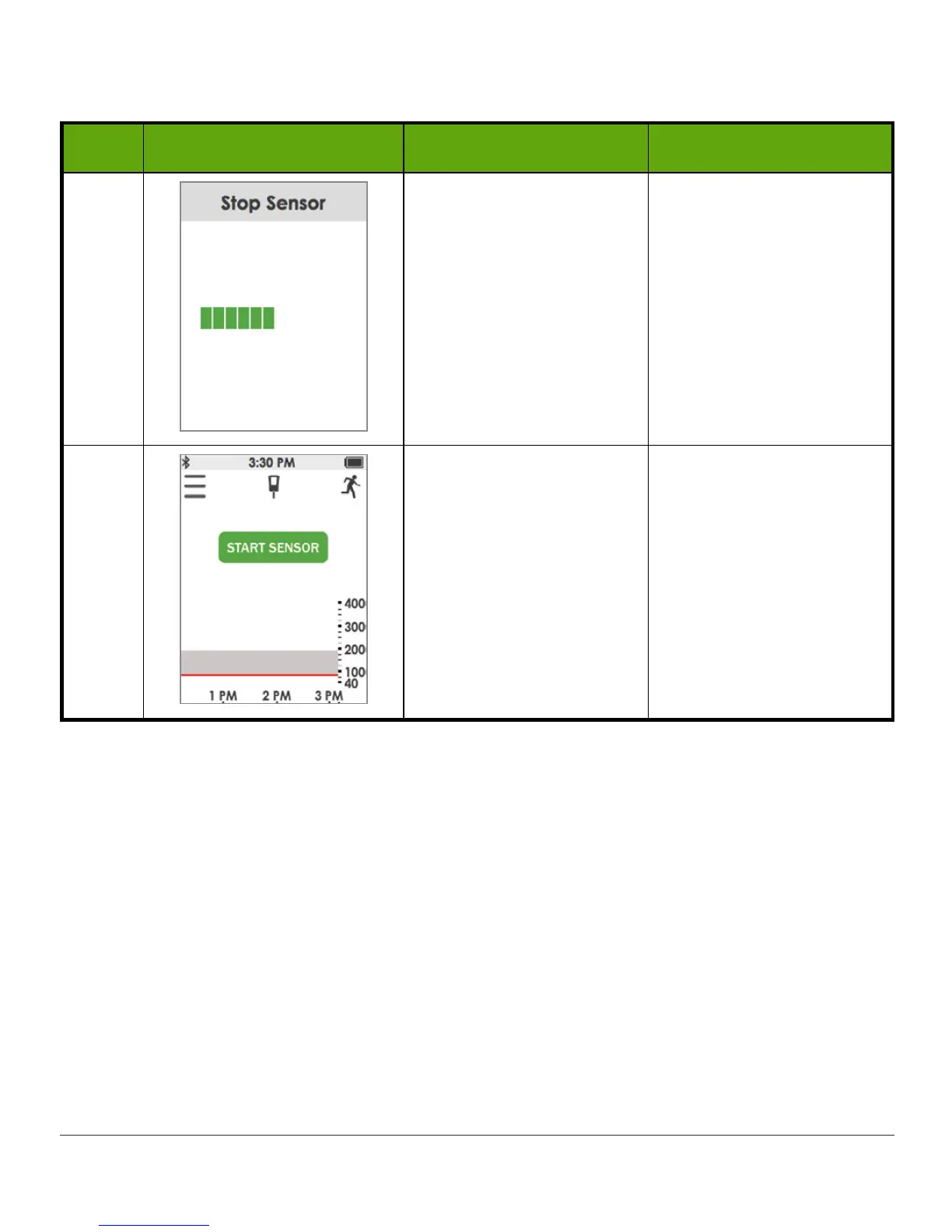
4 Thinking screen. Wait.
5
Ready to start a new
session.
Not in active session:
Start Sensor
option
appears.
Remove sensor.
Insert new sensor.
Tap
Start Sensor
when
ready for new session.
Temporarily Shutting Down Receiver
To save on its battery, you can temporarily shut down the receiver. When shut down, your
receiver and transmitter no longer communicate and you will not get any Alarm or Alerts
although your sensor session remains active.
Shutting down the receiver does not extend your sensor session past the seven days; it only
stops the receiver from communicating with the transmitter. Your sensor session will stop
seven days after you started the session.



 To Next Page