Dexcom G5 Mobile System User Guide
287How to Take Care of Your Dexcom G5 Mobile
Receiver
1. Keep receiver protected when not in use.
2. Fully charge the battery before storing for over 3 months.
3. Store at temperatures between 32° F-104° F.
4. Store at humidity levels between 10%-95% relative humidity.
15.5 Checking App and Receiver Information
You can check your app or receiver for information about your CGM system at any time.
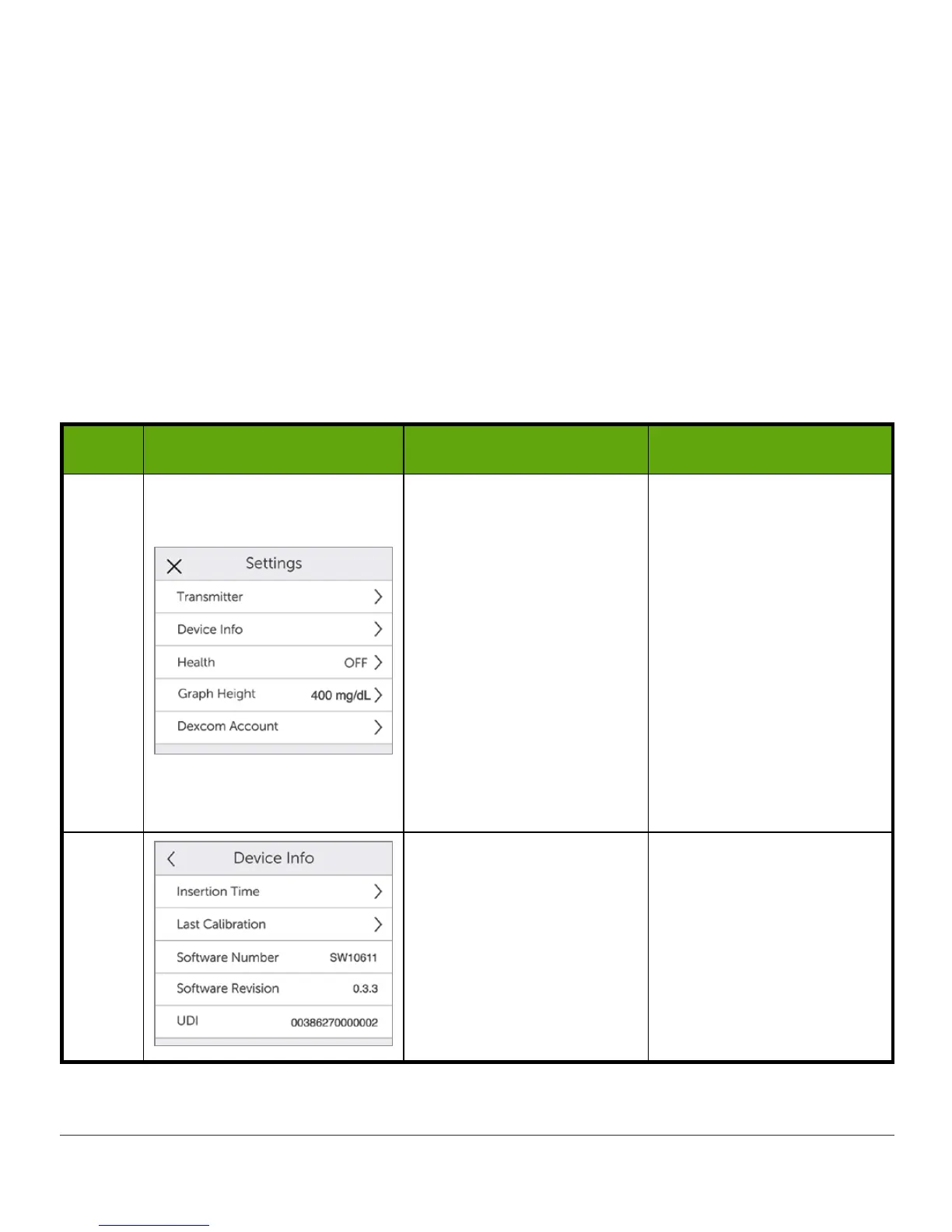
Check CGM System Settings: App
Step What you see What it means What you do
1 Settings menu
Update:
• Insertion date and
time
• Last calibration date,
time, and value
• Transmitter battery
life
• Transmitter SN
• Receiver SN
• Receiver battery life
• Part number
• Part revision
• Software number
2
Device information menu
Check:
• Insertion time
• Last calibration
• Software number and
revision



 To Next Page