Dexcom G5 Mobile System User Guide
92Starting a Sensor Session: Inserting Sensor, Attaching Transmitter, and Starting Your Session
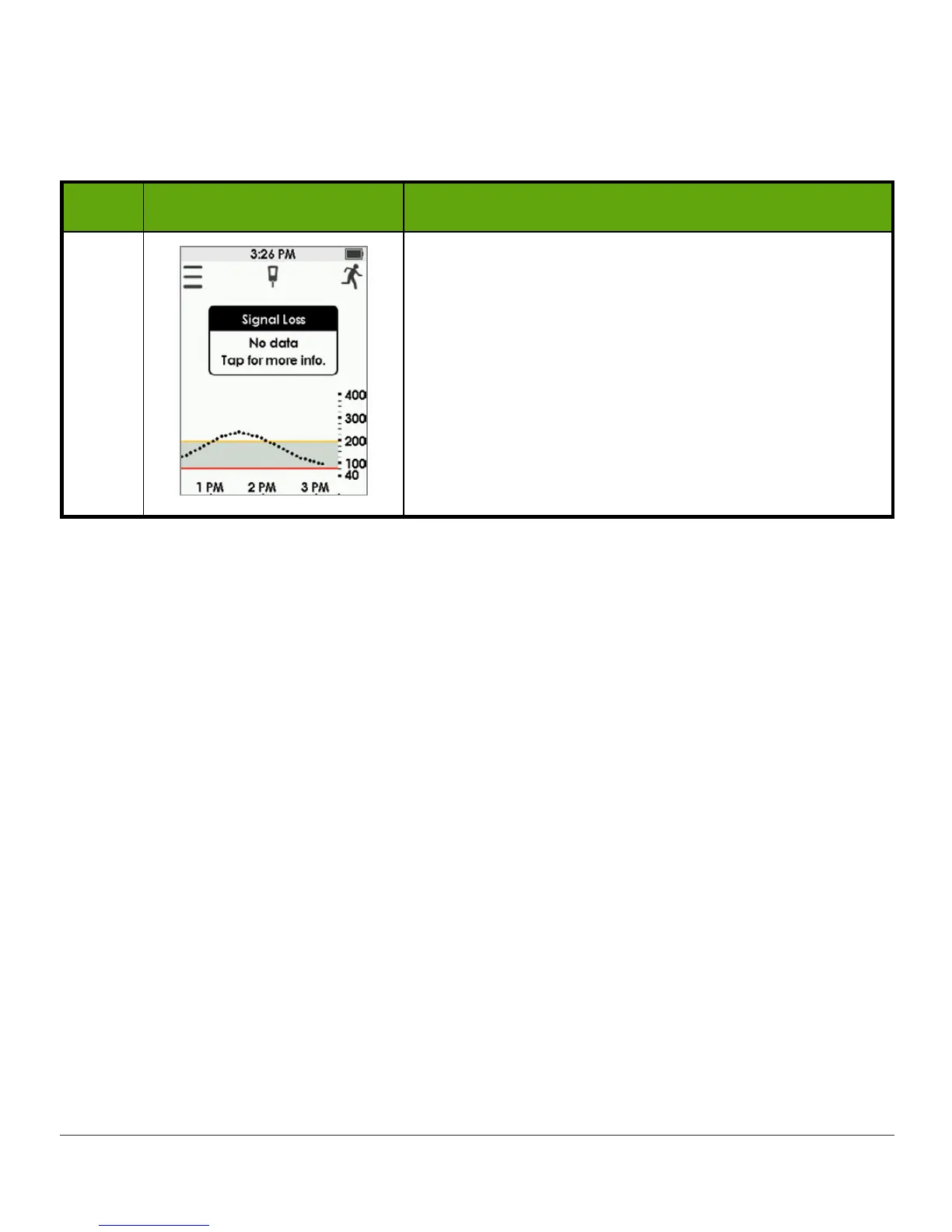
No Communication Between Transmitter
and Receiver
Step What you see What you do
1
Move display device and transmitter within 20 feet
of each other without obstruction (walls or water).
Wait up to 30 minutes.
App:
1. Restart
smart device
.
If error remains:
1. Open your device
Bluetooth settings
.
2. Delete all Dexcom
entries
.
3. Pair your
transmitter
.
6.10 Sensor Session Warmup
The sensor takes about two hours to adjust to your body. While you are in the sensor warmup
period, you can customize your settings. Chapter 12 steps you through how to personalize
your Dexcom G5 Mobile display devices.
Once the sensor warmup is complete, you’re ready to enter your initial calibrations! The next
chapter shows you how.



 To Next Page