Dexcom G5 Mobile System User Guide
220Sensor Glucose Alarm and Alerts
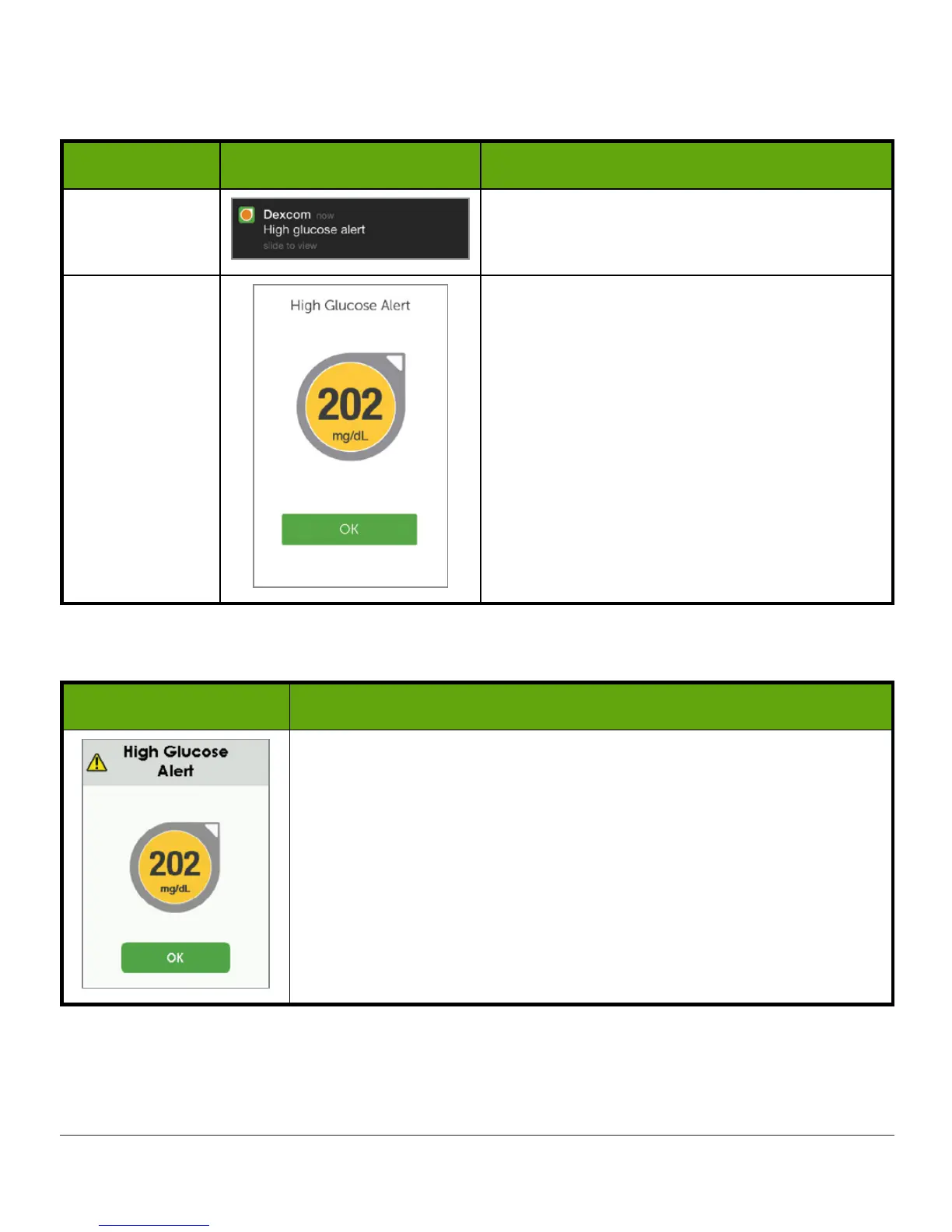
App: Confirming Alarm/Alerts
Device What you see What you do
App
Notification
Open app.
App
Tap
OK
to confirm Alarm/Alert.
Note:
Unlike most other app notifications, G5
Alarm/Alerts repeat every 5 minutes even
after removing it from your notifications.
Confirm the Alarm/Alert in the app to
silence them longer.
Receiver: Confirming Alarm/Alerts
What you see What you do
Tap
OK
.



 To Next Page