Dexcom G5 Mobile System User Guide
110Calibration
(Continued from previous page)
Step What you see What you do Additional Info
8
Wait for next calibration
prompt in 12 hours.
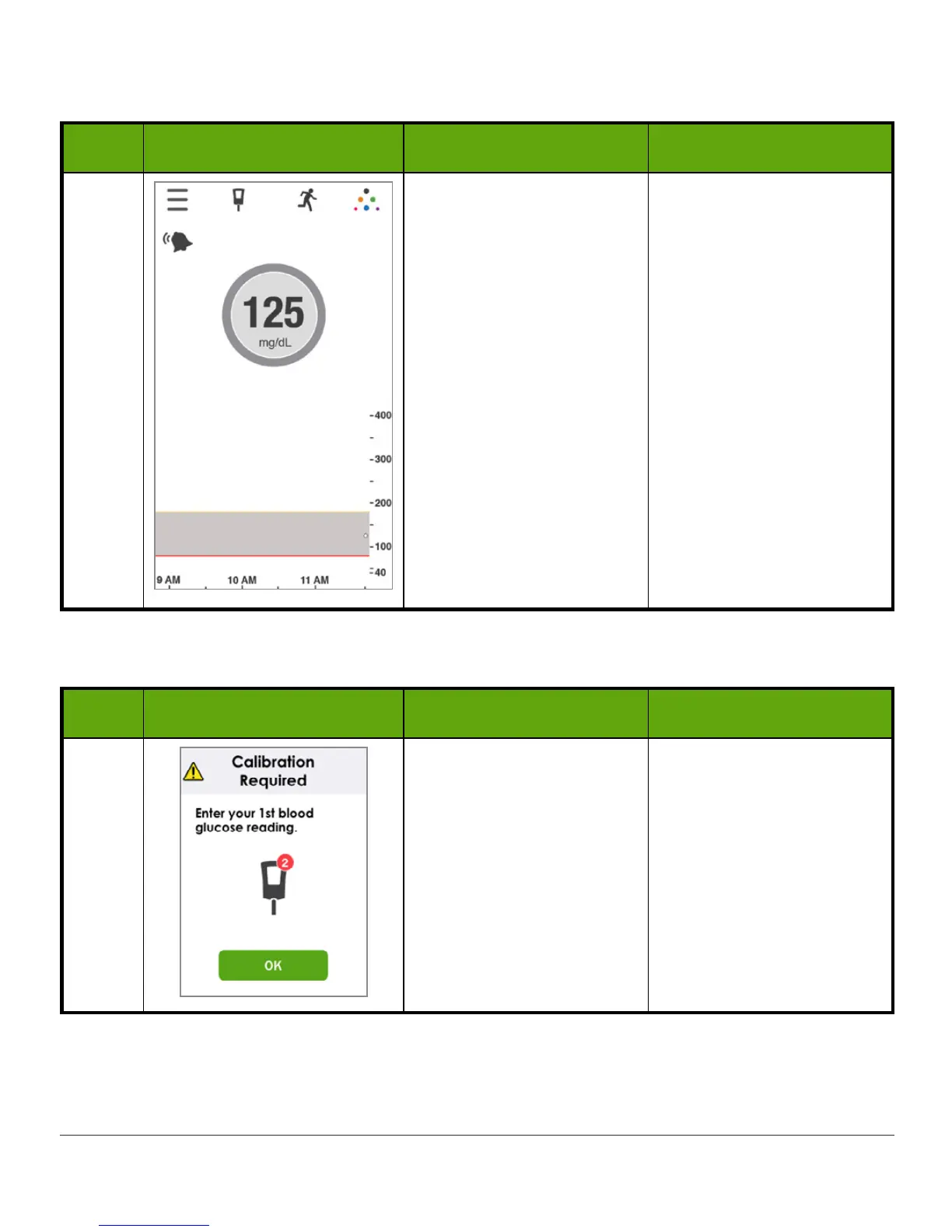
Default home screen.
Calibration accepted.
Initial Calibration With Your Receiver
Step What you see What you do Additional Info
1
Press
power button
briefly to wake up
receiver.
You may have to unlock
your screen. If so, tap 1,
then 2.
Tap
OK
.
You won’t see calibration
prompts when receiver
screen is black.
(Continued on next page)



 To Next Page