Dexcom G5 Mobile System User Guide
91Starting a Sensor Session: Inserting Sensor, Attaching Transmitter, and Starting Your Session
(Continued from previous page)
Step What you see What you do
7
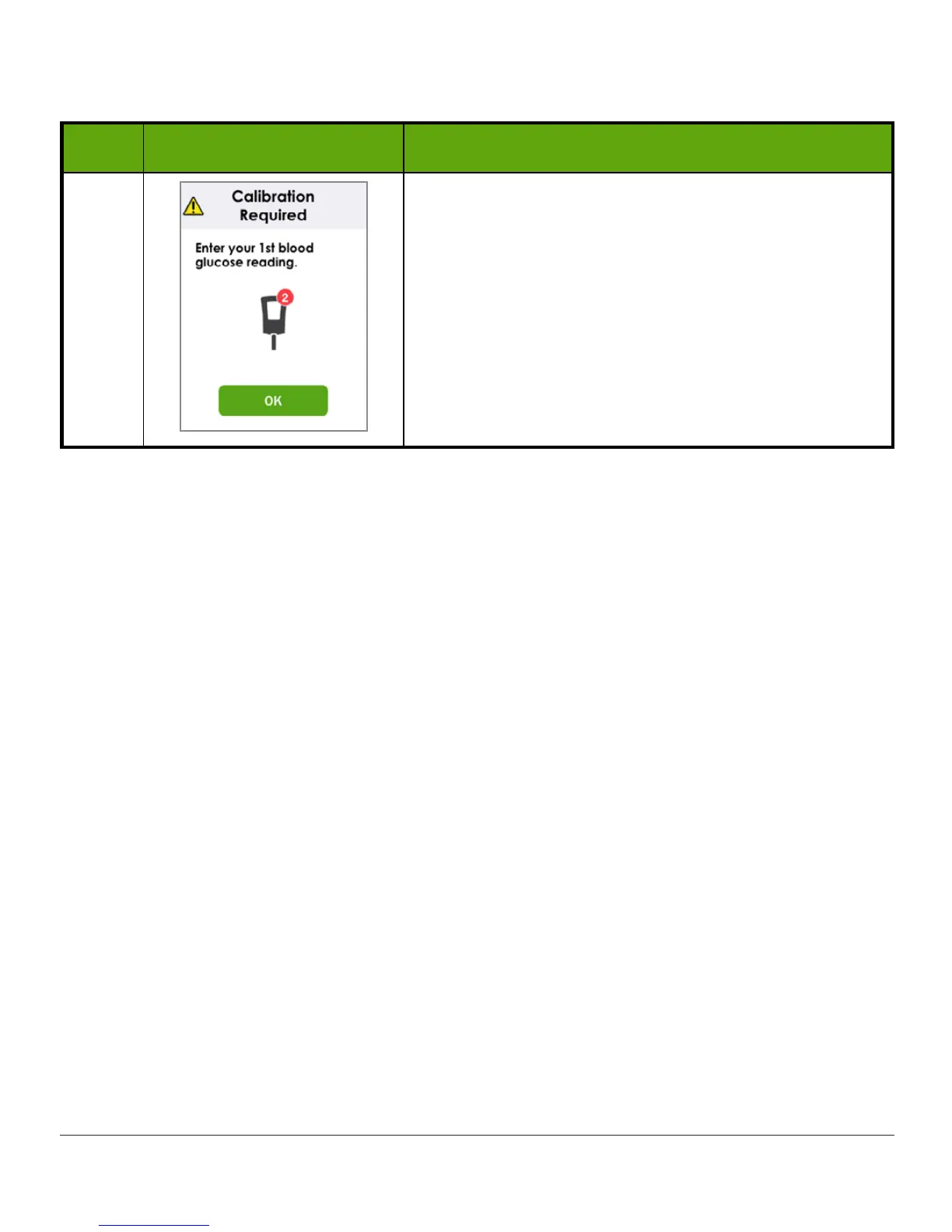
Sensor warmup is complete.
You’re ready to calibrate!
6.9 Receiver
Bluetooth
Tips
Your transmitter and receiver begin communicating once you start a sensor session. After
approximately 30 minutes, if the
Bluetooth
symbol is solid, and not blinking, your transmitter
and receiver are talking to each other.
• If blinking,
Bluetooth
is looking for your transmitter
– Make sure your transmitter and receiver are within 20 feet of each other
– Don’t start a sensor session until they are paired
If the
Bluetooth
icon is blinking and
Signal Loss
displays, your transmitter and receiver are
not communicating.



 To Next Page