Dexcom G5 Mobile System User Guide
210Sensor Glucose Alarm and Alerts
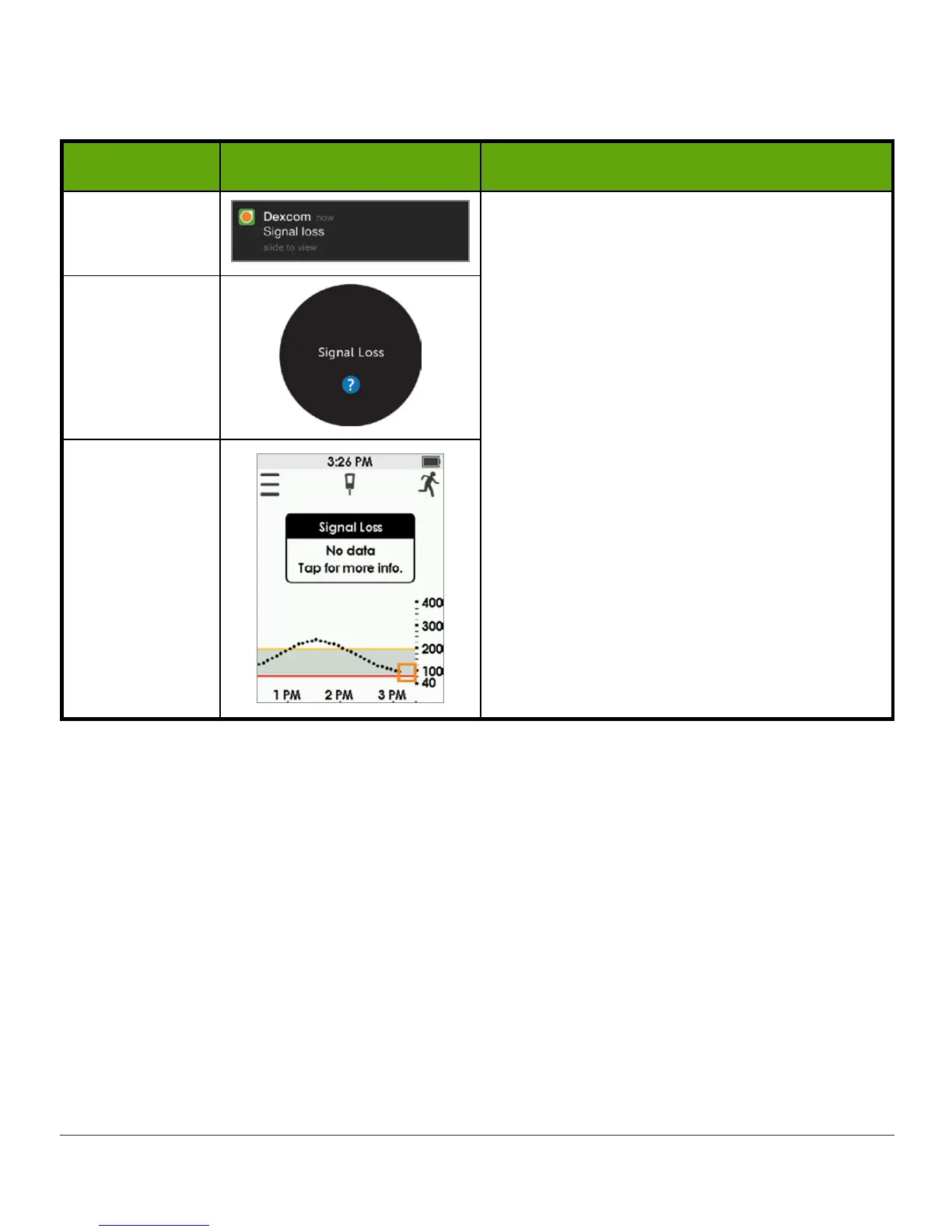
Signal Loss Alert
Device What you see What it means
App
Notification
Your receiver and transmitter are not
communicating.
No Alarm/Alerts or readings until
transmitter is replaced. Use BG meter.
Move display device and transmitter within
20 feet of each other without obstruction
(walls or water).
Wait up to 30 minutes.
App:
1. Restart
smart device
.
If error remains:
1. Open your device
Bluetooth settings
.
2. Delete all Dexcom items.
3. Pair your
transmitter
.
App
Receiver



 To Next Page