Dexcom G5 Mobile System User Guide
69Set Up Your Display Devices
(Continued from previous page)
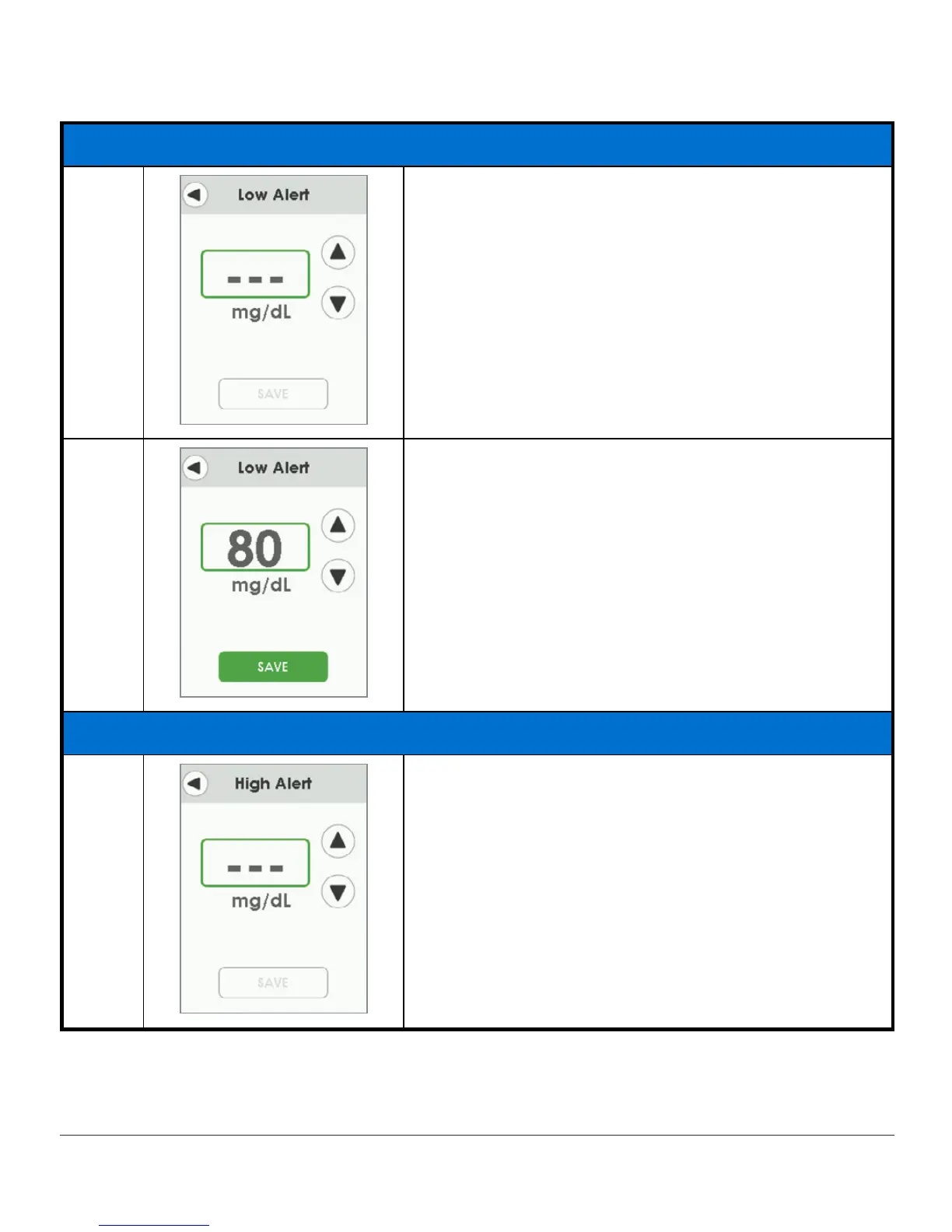
Setting Low Alert
6a Set your Low Alert level.
6b
To change value:
Tap
up/down arrows
to change value at 5 mg/dL
increments, starting at 80.
Tap
Save
to save and close.
Setting High Alert
7a Set your High Alert level.
(Continued on next page)



 To Next Page