Dexcom G5 Mobile System User Guide
70Set Up Your Display Devices
(Continued from previous page)
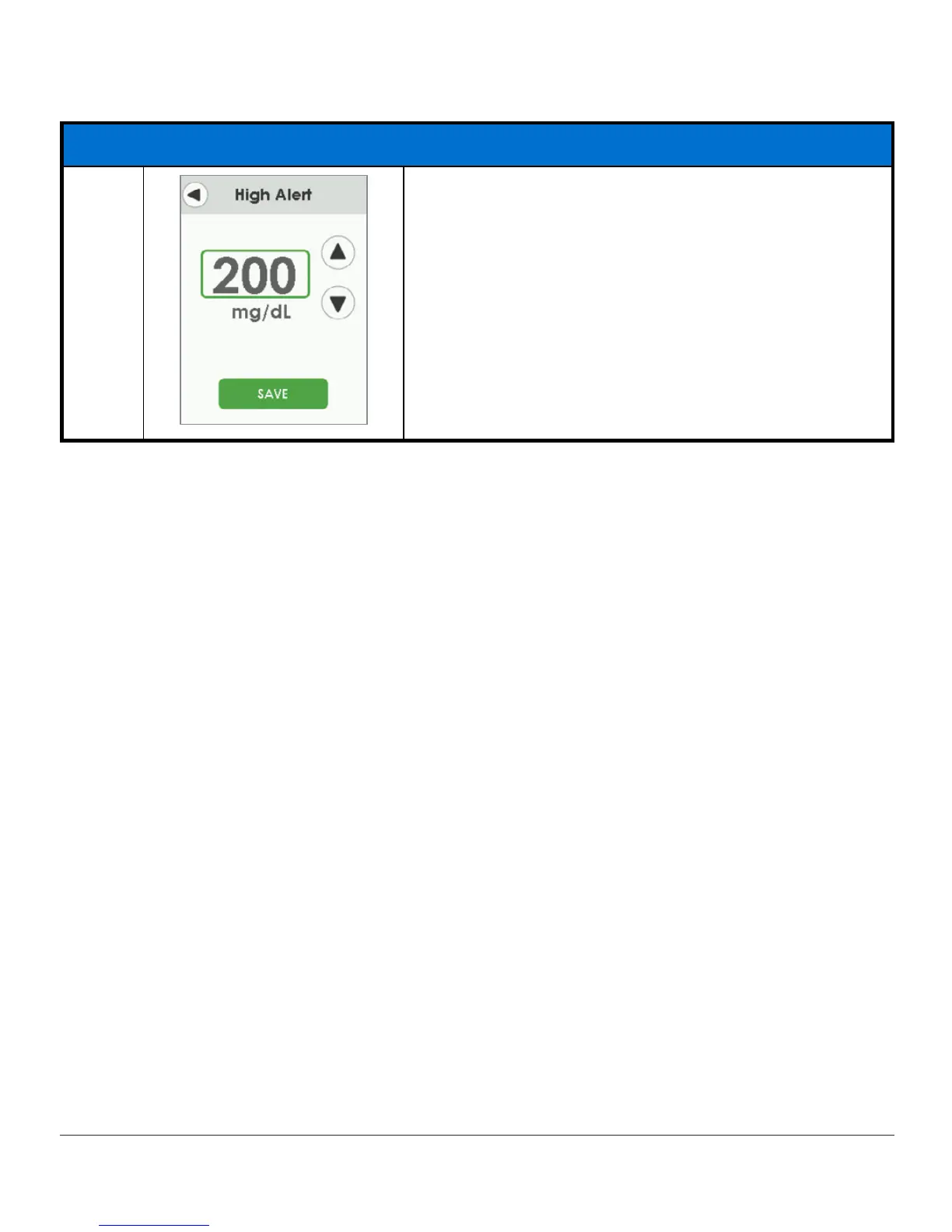
Setting High Alert
7b
To change value:
Tap
up/down arrows
to change value at 10 mg/dL
increments, starting at 200.
Tap
Save
to save and close.
These steps are enough to get you going; now you can start your sensor session!
Summary
Now You Can:
• Create a Dexcom username and password
• Download the Dexcom G5 Mobile app
• Set up app with the suggested settings
• Successfully set up your receiver
What’s Next?
Now that you have completed setting up your app and/or the receiver, your next step is
starting a sensor session.
No matter what monitoring method you choose, starting a sensor session is the same:
1. Inserting the sensor.
2. Attaching the transmitter.
3. Pairing the transmitter to your device.
4. Two-hour sensor warmup.
5. Initial calibrations.



 To Next Page