Dexcom G5 Mobile System User Guide
42What's the Dexcom G5 Mobile?
For more information on how to use your Dexcom G5 Mobile to make treatment decisions, go
to Chapter 13.
New Receiver
With the new touchscreen receiver, your sensor glucose readings, calibrations, events, menu
options, etc. are accessible by just a tap or two.
4.5 System Information
The receiver and app also keep you informed on the system’s status. Technical notifications
provide information about your sensor session and about the system’s hardware. Each
chapter provides a table of the prompts, system, and error messages applicable to its
subject. As an example, the Calibration chapter will review all calibration messages you may
see.
Now that you know what the Dexcom G5 Mobile does and what’s new, let’s open your
Dexcom G5 Mobile packages, see what’s inside, and review each item.
4.6 System Components
Package
The Dexcom G5 Mobile comes to you in a number of boxes; after opening, keep each box
until you are no longer using its contents.
Throughout this guide, all images are representational. Your product may look slightly
different.
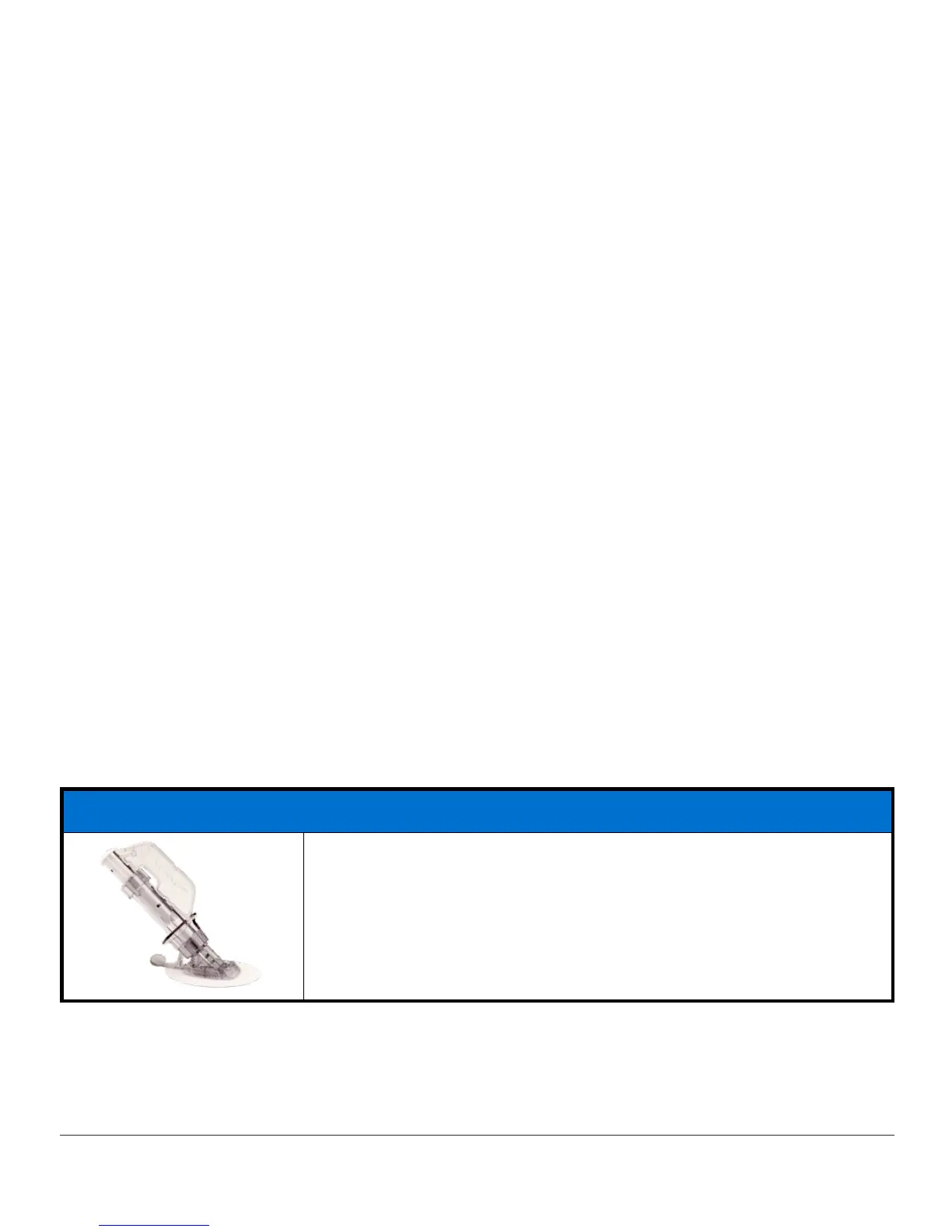
Sensor Box
Single use sensor(s)
(Continued on next page)



 To Next Page