Dexcom G5 Mobile System User Guide
214Sensor Glucose Alarm and Alerts
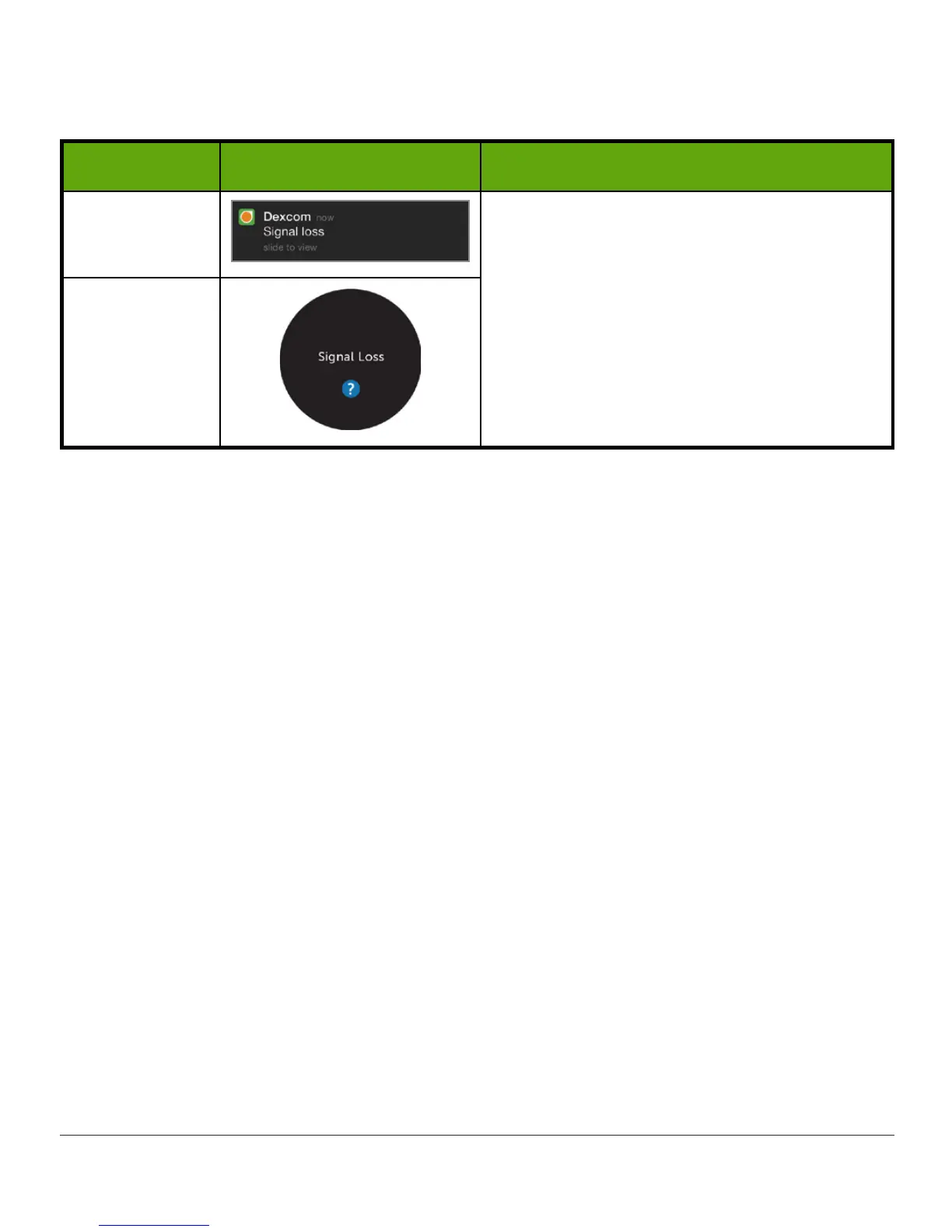
Signal Loss Alert
What you see Default sound and vibration
App
Notification
• 1 beep
• Android: 1 vibration
• Apple: No vibration
Note:
• Signal Loss repeats only 6 times
App
Learn how to customize Alarm/Alerts and their sounds in Chapter 12.
Always Sound
Use Always Sound to ensure Alerts sound when your device is silenced or on Do Not Disturb
(see important exceptions below).
For example, you want to silence your phone during school, but still hear your Low Alert.
To do this, turn on Do Not Disturb in your phone settings, and turn on Always Sound in the
Dexcom app.
Always Sound is on by default. You can turn it off here: Menu > Alerts > Always Sound.
A Home screen icon shows you if your Alerts will sound or not. See Status Icons in Chapter 9.
For safety, turning off Always Sound won't silence:
• Urgent Low Alarm
• Transmitter Failure Alert
• Sensor Failure Alert
Important:
• On Android, all Alarm/Alerts are silenced when using the most restrictive Do Not Disturb
setting.
• On Apple, your Signal Loss Alert can’t sound in Silent or Do Not Disturb.
Review Suggested Device Settings (Chapter 5) for other items that may prevent you from
getting your CGM Alarm/Alerts.



 To Next Page