Dexcom G5 Mobile System User Guide
196Daily Events Aect Your Glucose Trends and Patterns
(Continued from previous page)
Enter Health Event
10
Tap
Save
.
10.4 Viewing Events
Events entered into your receiver can only be viewed on a Dexcom report; there are no Event
markers on your receiver’s screen.
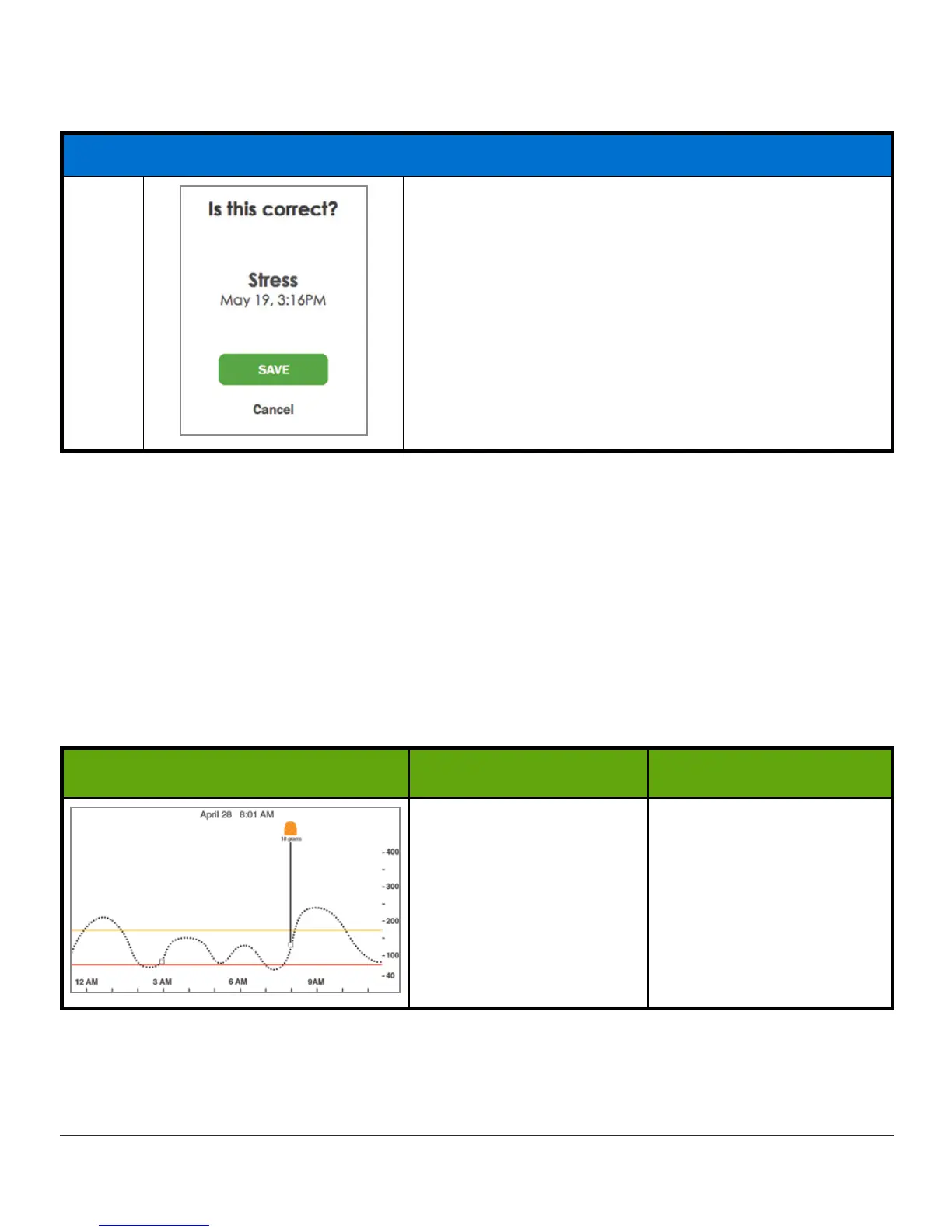
On your smart device, turn to landscape mode to view your Event markers. A single small
square marks all Events entered on your smart device. Slide your finger across the screen or
tap the square to get your Event information.
Event Markers: App
Landscape What it does What you do
Landscape Only:
Shows Event details.
Landscape Only:
Tap
square.
Slide finger across
screen.
Once you have allowed your
Share
Followers to access your home screen, they too will be
able to view your Events. See Part 5 for more information.



 To Next Page