EasyManua.ls Logo

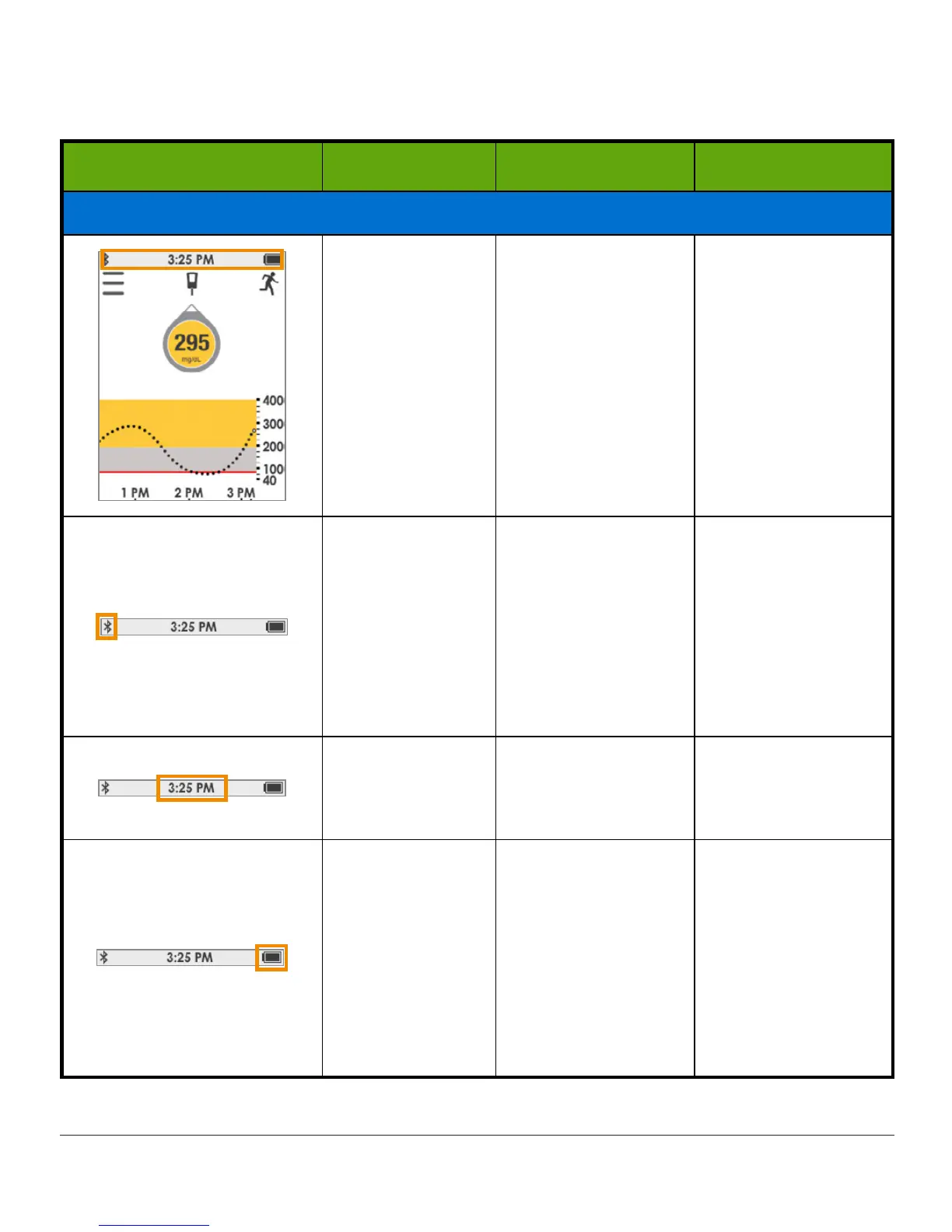
Dexcom G5 - Receiver Status Bar

Dexcom G5
410 pages
Print Icon
To Next Page IconTo Next Page
To Previous Page IconTo Previous Page
Loading...
Dexcom G5 Mobile System User Guide
166Home Screen, Rate of Change Arrows, and Errors
Receiver Status Bar
Receiver Name What it does What you do
Status Bar: System Information
Status Bar
At-a-glance
receiver
information.
Icons change
based on whats
happening.
Review and take
appropriate action.
Bluetooth
Shows
Bluetooth
is
connected.
Do nothing.
Receiver’s
Bluetooth
is always
on.
If blinking, move
receiver closer to
transmitter.
Time
Shows system
time.
Do nothing.
To change, go to
Settings.
Battery
Shows battery
level.
When battery is
low, plug
micro
USB cable
into
receiver.
Plug
USB
into the
adapter and then
into electrical outlet
(see Chapter 15.)

Table of Contents

Related product manuals