Dexcom G5 Mobile System User Guide
104Calibration
Update Calibration Prompts
Once your startup calibration is done, your update calibration schedule begins.
The steps to enter your update calibrations are the same as your initial calibration, including
entering values in only one display device. The only difference is, with update calibrations,
you enter your BG meter value just once.
Like the reminders you received with your initial calibration, if you don’t enter your BG meter
values right away, the system reminds you.
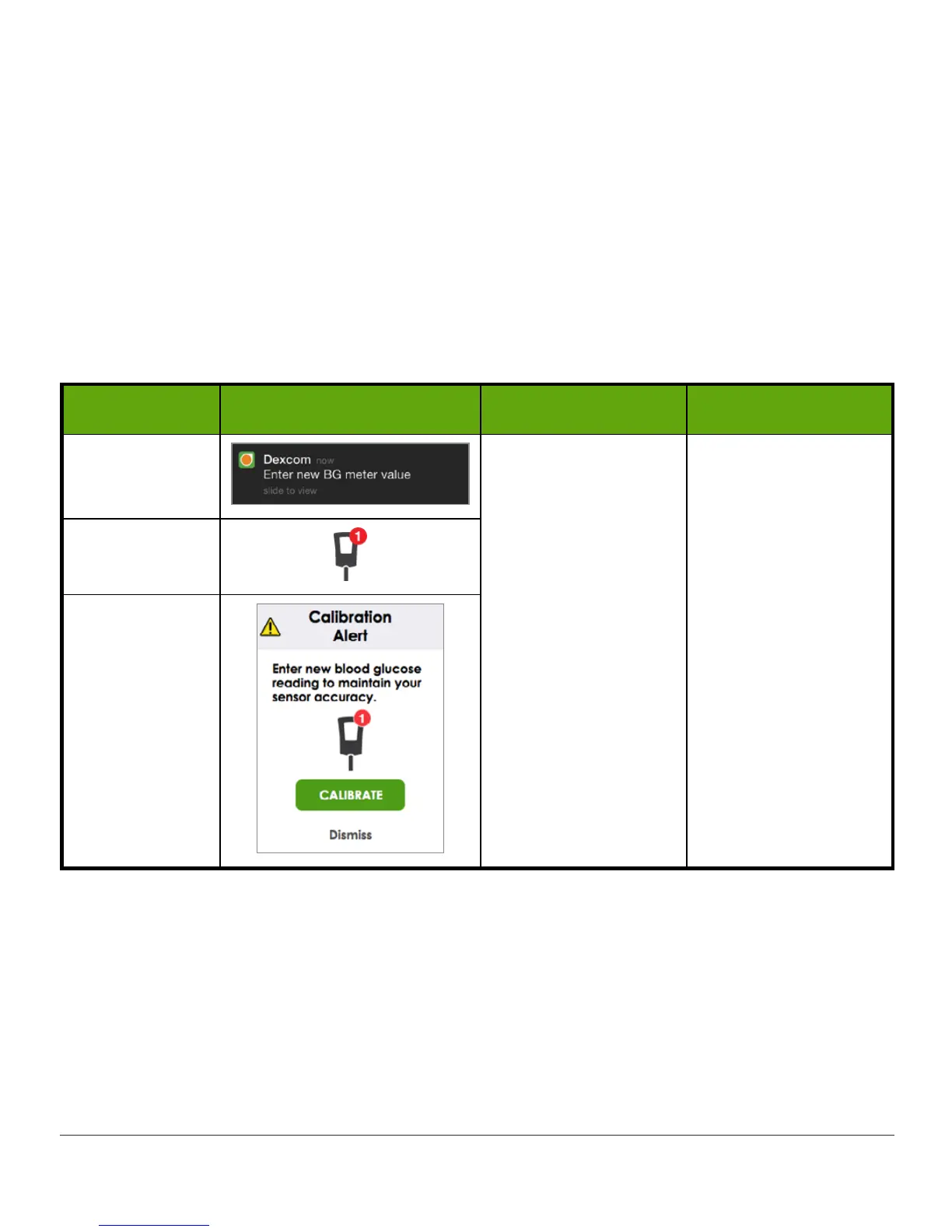
Update Calibration Notifications
Device What you see What it means What you do
App
Notification
Enter update
calibration.
If notification
doesn’t go away:
• System
didn’t accept
calibration
• BG values are
very different
from sensor
glucose
readings
Follow steps in
Chapters 7.6 and
7.7.
Immediately prepare
for next calibration.
App
Receiver



 To Next Page