Dexcom G5 Mobile System User Guide
172Home Screen, Rate of Change Arrows, and Errors
9.5 Error Messages
Sometimes the transmitter or sensor isn’t communicating with the display device(s), causing
you to not get your sensor glucose readings or rate of change arrows. Each device notifies
you when there is an issue; however, the notifications look different.
Before the system can move forward, you need to address the error.
App
1. Read message.
2. Tap Question Marks for more information and follow steps as appropriate.
Receiver
1. Tap
OK
to confirm message.
You will not get any sensor glucose readings or rate of change arrows on either display
device until the error is fixed. Check with your BG meter to monitor your glucose or to make
treatment decisions during these error periods.
Error Messages
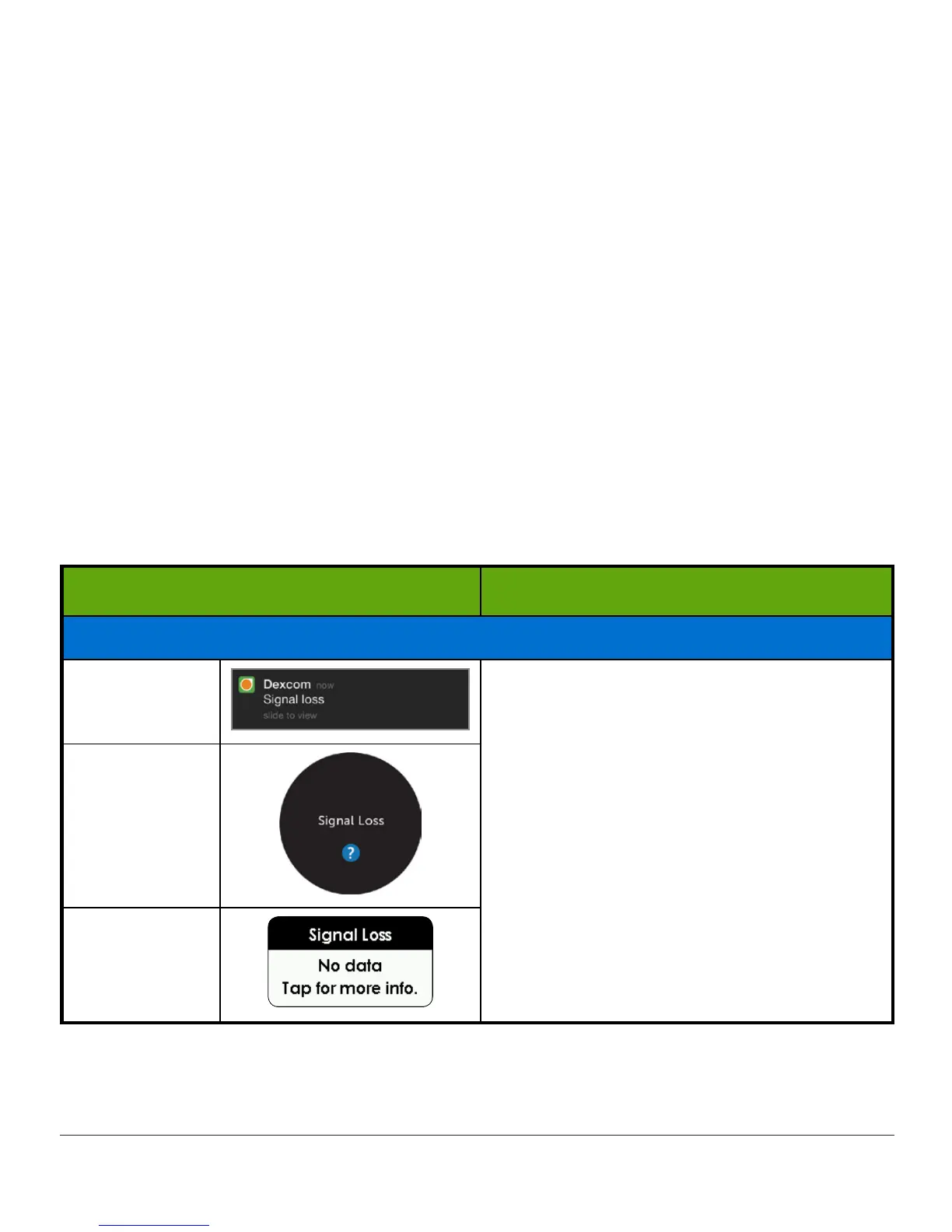
What you see What you do
Signal Loss
App
Notification
Move display device and transmitter within
20 feet of each other without obstruction
(walls or water).
Wait up to 30 minutes.
App:
1. Restart
smart device
.
If error remains:
1. Open your device
Bluetooth settings
.
2. Delete all Dexcom entries.
3. Pair your
transmitter
.
App
Receiver
(Continued on next page)



 To Next Page