Dexcom G5 Mobile System User Guide
90Starting a Sensor Session: Inserting Sensor, Attaching Transmitter, and Starting Your Session
(Continued from previous page)
Step What you see What you do
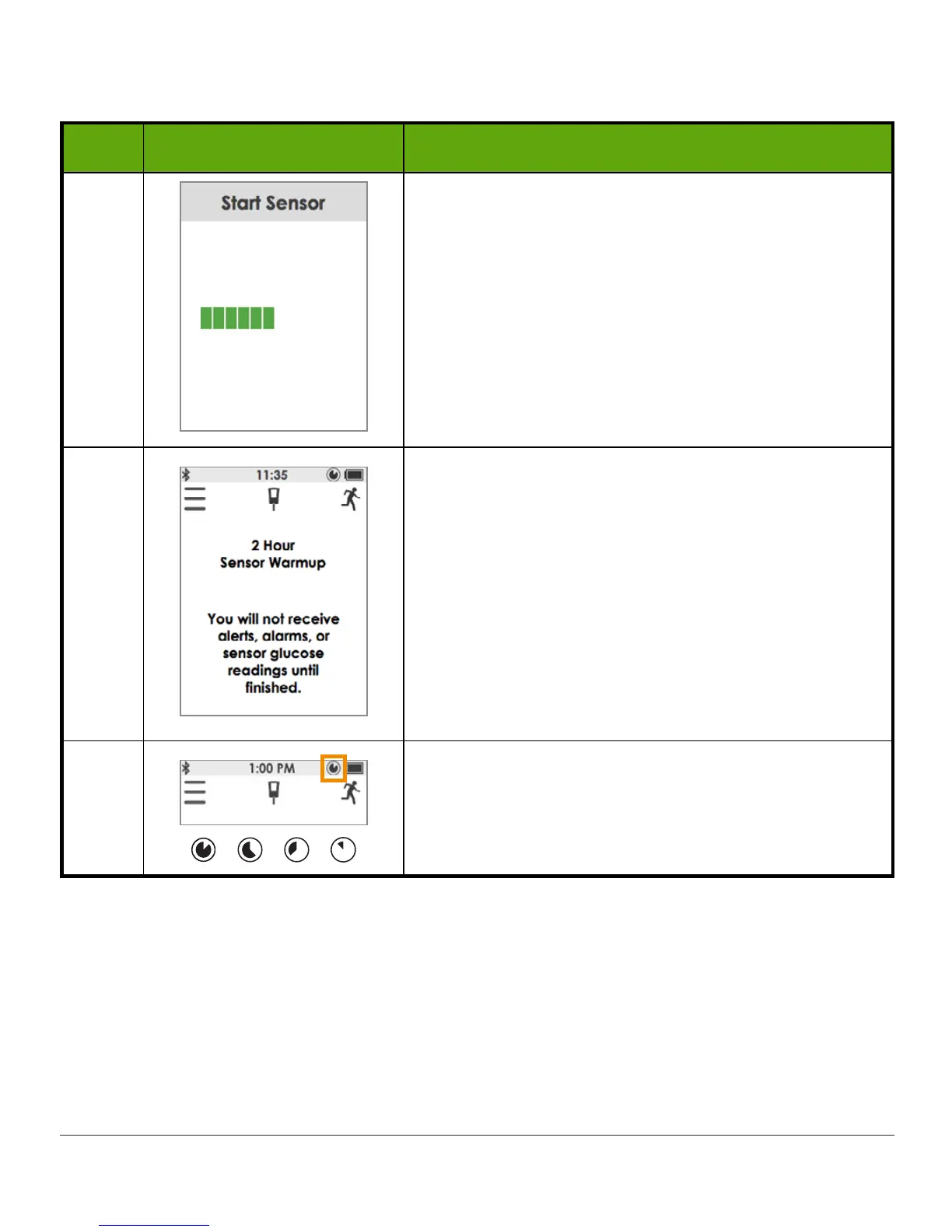
4 Thinking screen
5
Receiver returns to the trend graph screen.
Sensor Warmup
confirms two-hour sensor warmup.
Keep your receiver within 20 feet during the
warmup period.
You won’t get alarm, alerts, or readings during the
warmup.
NOTE: After sensor starts,
Start Sensor
option
disappears from Main Menu and
Stop Sensor
appears.
6
Wait.
In the upper right corner, icon shows countdown of
the two-hour sensor warmup.
(Continued on next page)



 To Next Page