Dexcom G5 Mobile System User Guide
223Sensor Glucose Alarm and Alerts
(Continued from previous page)
Step What you see What you do
6
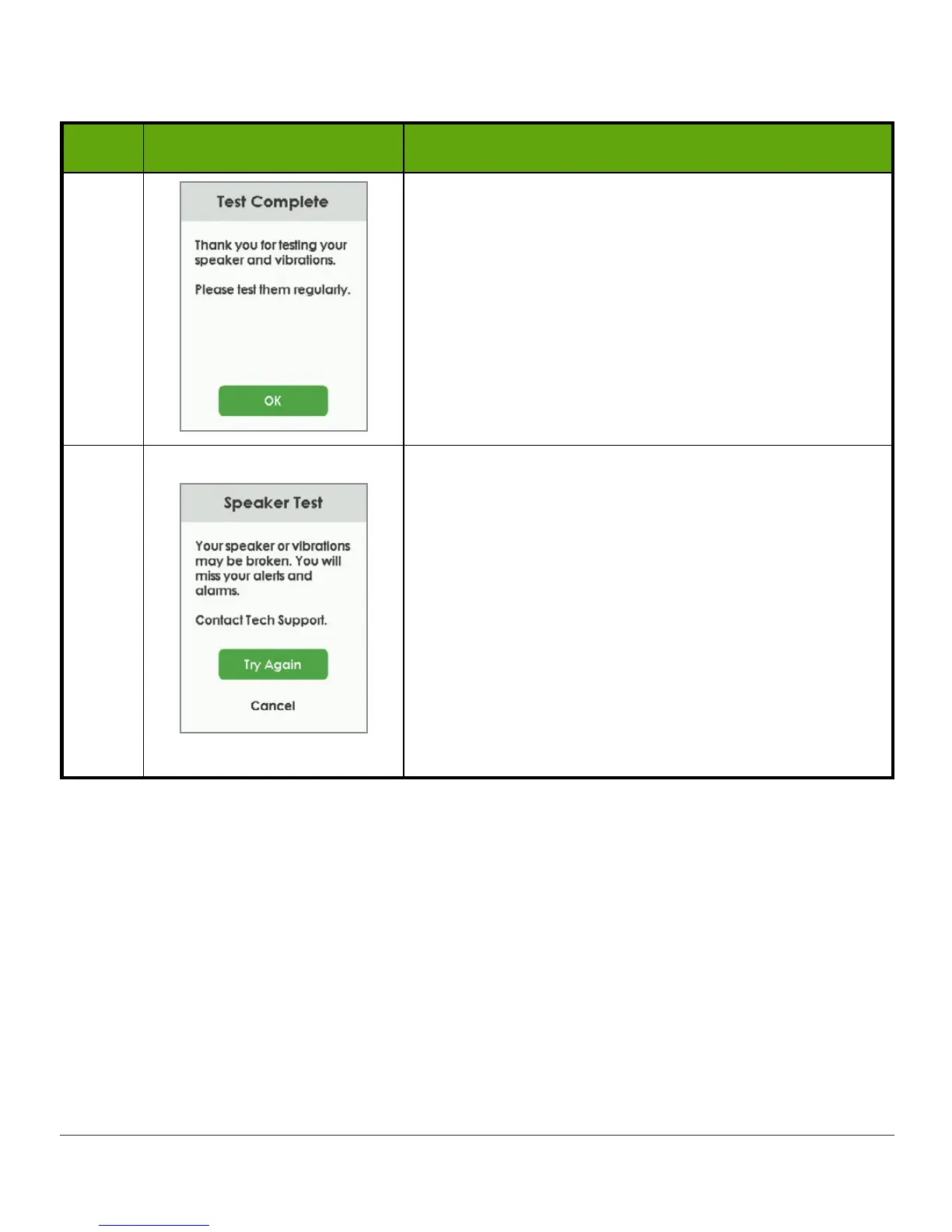
Congratulations! You tested your speaker and
vibrations and determined they work! You’ll hear
your Alarm/Alerts.
You’re done. Don’t go on to the next step.
7
Uh-oh. You tested your speaker and vibrations and
determined that they don’t work. You won’t hear
Alarm/Alerts.
Contact Technical Support (available 24/7) at:
• Email: TechSupport@dexcom.com
• Toll free: 1.888.738.3646
• Toll call: 1.858.200.0200
Use app until issue is fixed.
Tap
Try Again
to retry (see step 4).
Tap
Cancel
to return to your Home screen.
You’ll also hear and feel the speaker and vibrations when you turn on your receiver, though
the Speaker Test screen won’t display.



 To Next Page