Dexcom G5 Mobile System User Guide
145Ending Your Sensor Session and Transmitter Session
(Continued from previous page)
Step What you see What you do
8
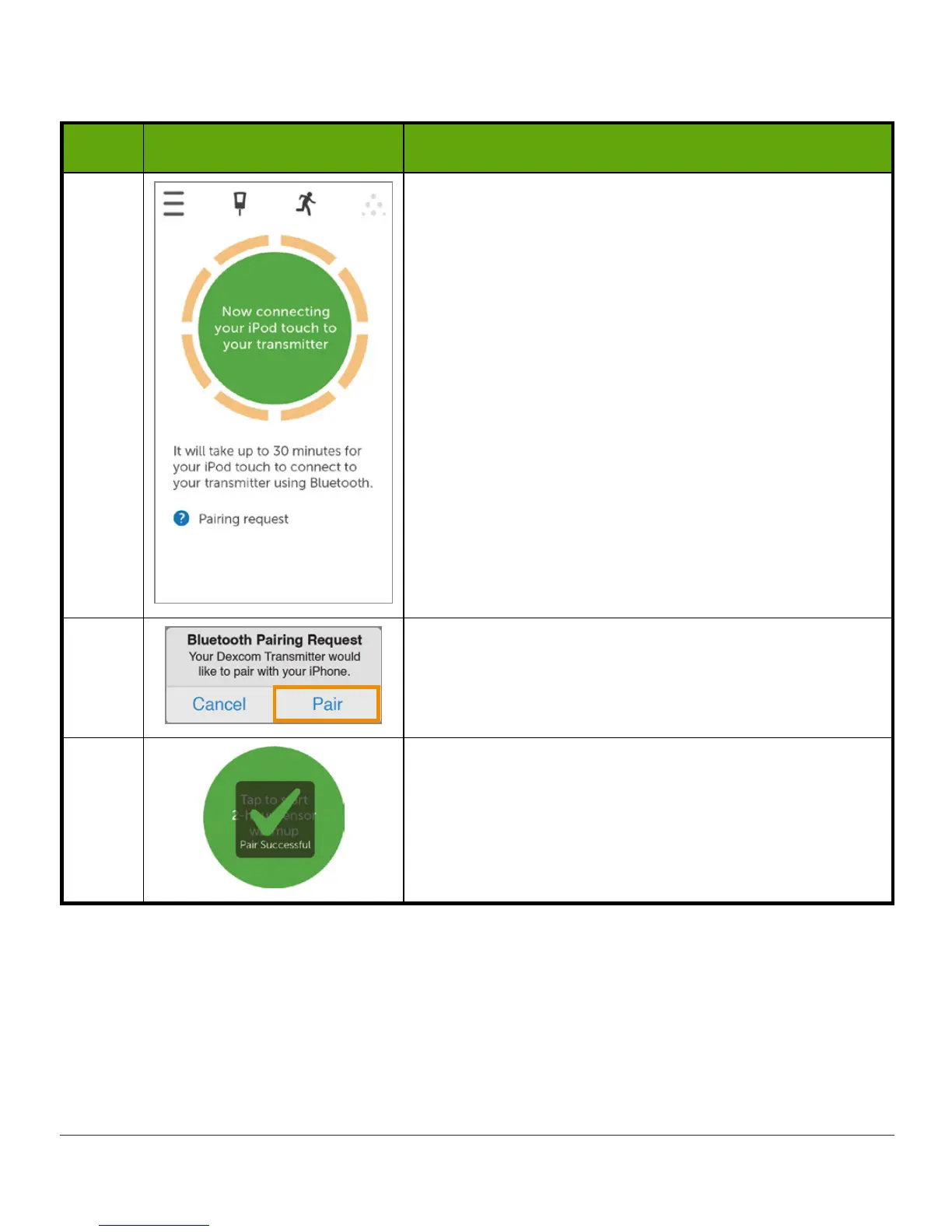
Wait up to 30 minutes for smart device and
transmitter to connect.
9
Apple: At notification, Tap
Pair
to pair app with
smart device.
10
Once the transmitter pairs, you're ready to start
your sensor session.



 To Next Page