EasyManua.ls Logo

Dexcom G5 - Page 355

Dexcom G5
410 pages
Print Icon
To Next Page IconTo Next Page
To Previous Page IconTo Previous Page
Loading...
Dexcom G5 Mobile System User Guide
353Troubleshooting
(Continued from previous page)
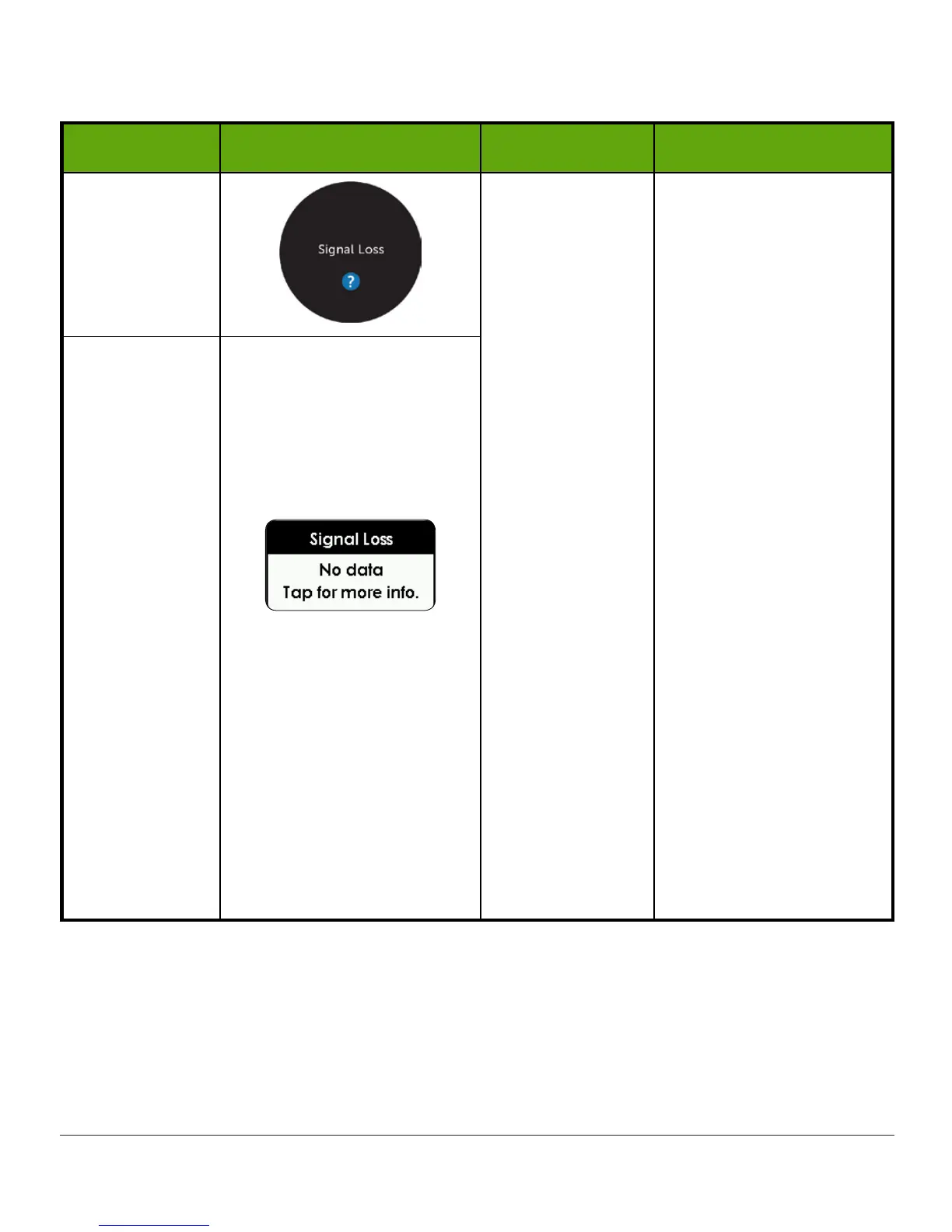
Device What you see Problem What you do
App
System display
device and
transmitter
not connecting
for at least 20
minutes.
No Alarm/Alerts or
readings until fixed. Use
BG meter.
Make sure there are no
obstructions, such as a
wall or water between
your transmitter and
your display device.
Move display device
and transmitter within
20 feet of each other
without obstruction
(walls or water).
Wait up to 30 minutes.
App:
Restart
smart device.
If error remains:
1. Open your
device Bluetooth
settings.
2. Delete all
Dexcom entries.
3. Pair your
transmitter.
Receiver
(Continued on next page)

Table of Contents

Related product manuals