Dexcom G5 Mobile System User Guide
58Set Up Your Display Devices
(Continued from previous page)
Setting Up Your App Alarm/Alerts and Basic Settings
8b
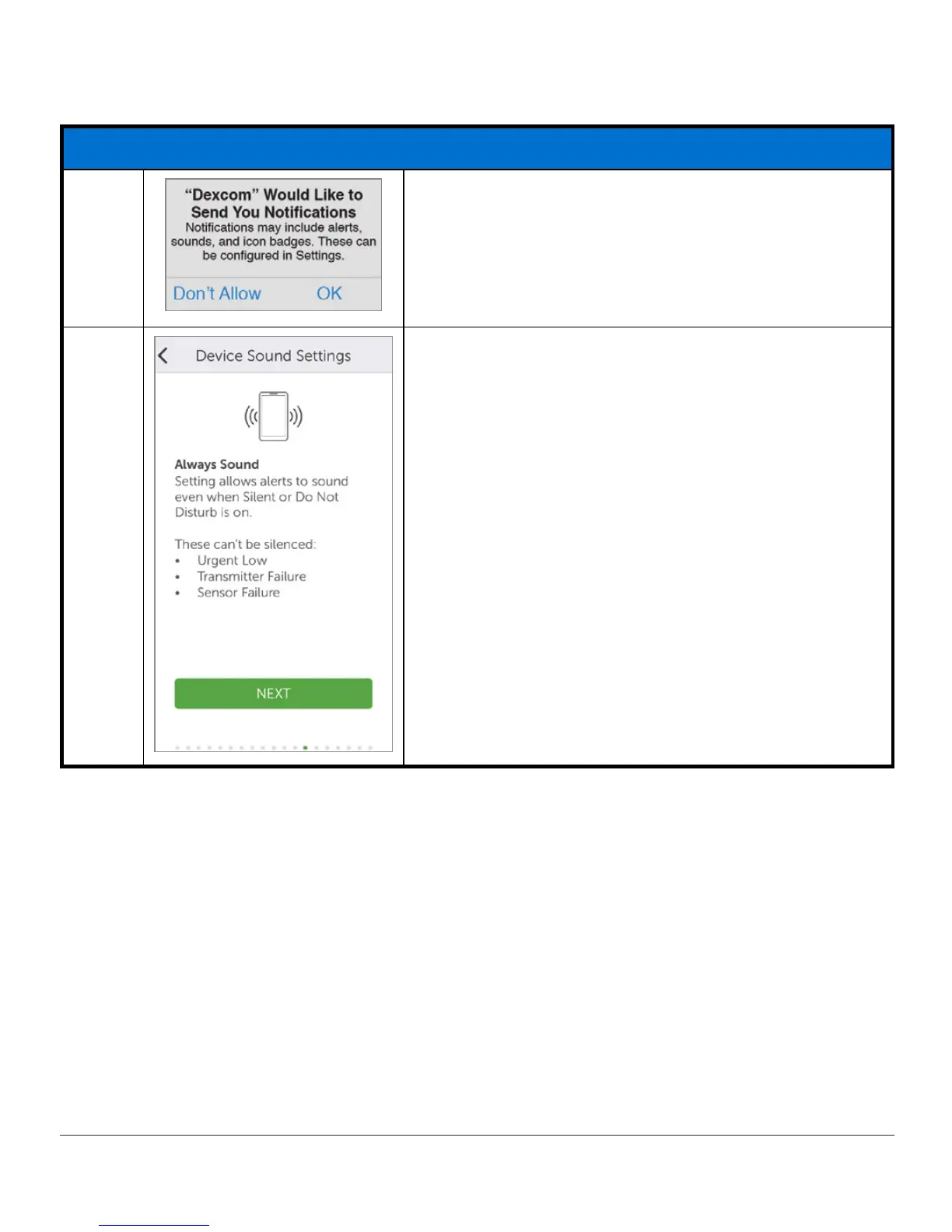
Apple:
Tap
OK
or
Allow
to get Alarms and Alerts.
9
The next screens provide suggestions for device
volume,
Do Not Disturb
, and other basic settings.
Tap the
appropriate answer
to move forward.
(Continued on next page)



 To Next Page