Dexcom G5 Mobile System User Guide
88Starting a Sensor Session: Inserting Sensor, Attaching Transmitter, and Starting Your Session
(Continued from previous page)
Step What you see What you do
4
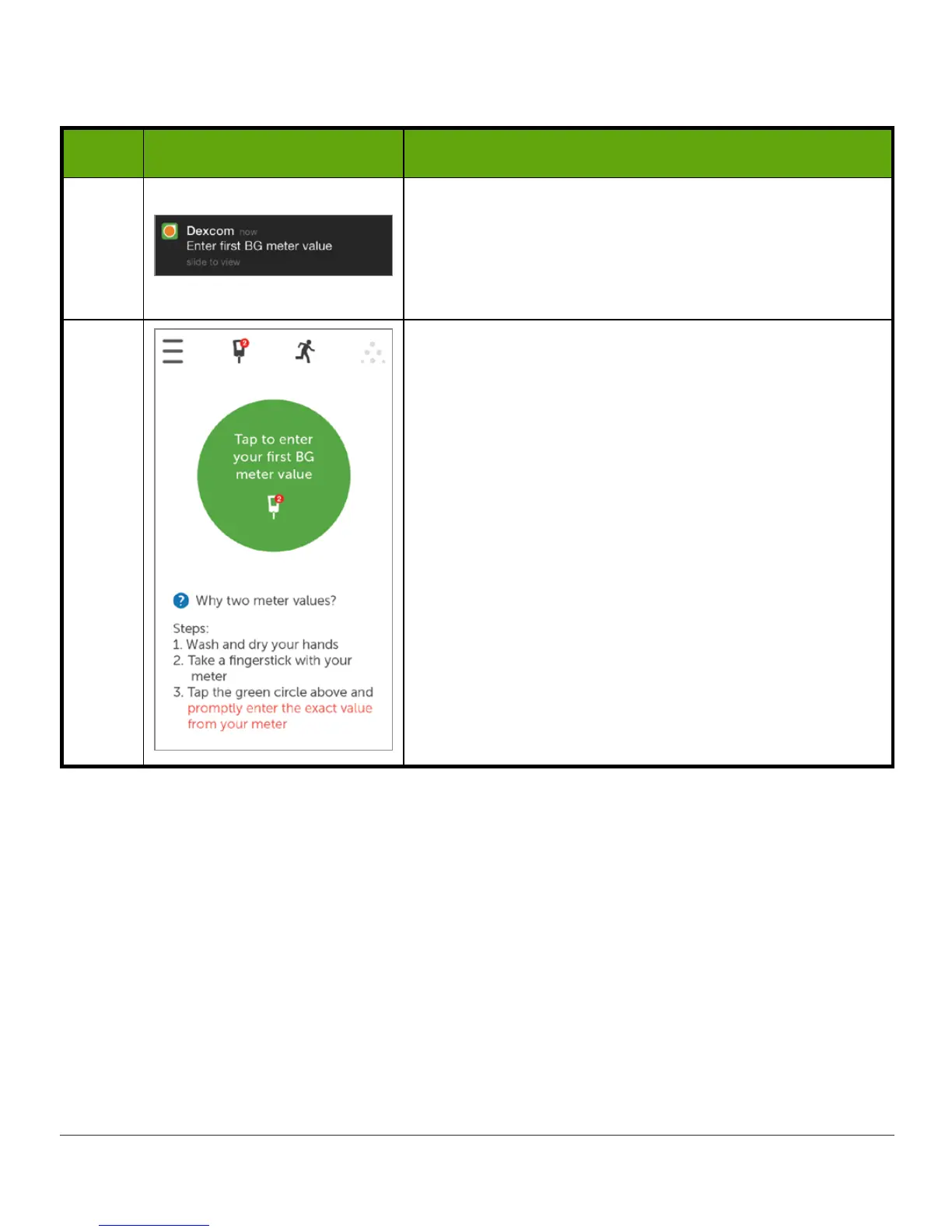
Locked screen.
Initial calibration
notification tells you when warmup
is complete.
Chapter 7 covers calibrating.
5
Initial calibration
prompt tells you when warmup is
complete.
Sensor warmup is complete.
You’re ready to calibrate!



 To Next Page