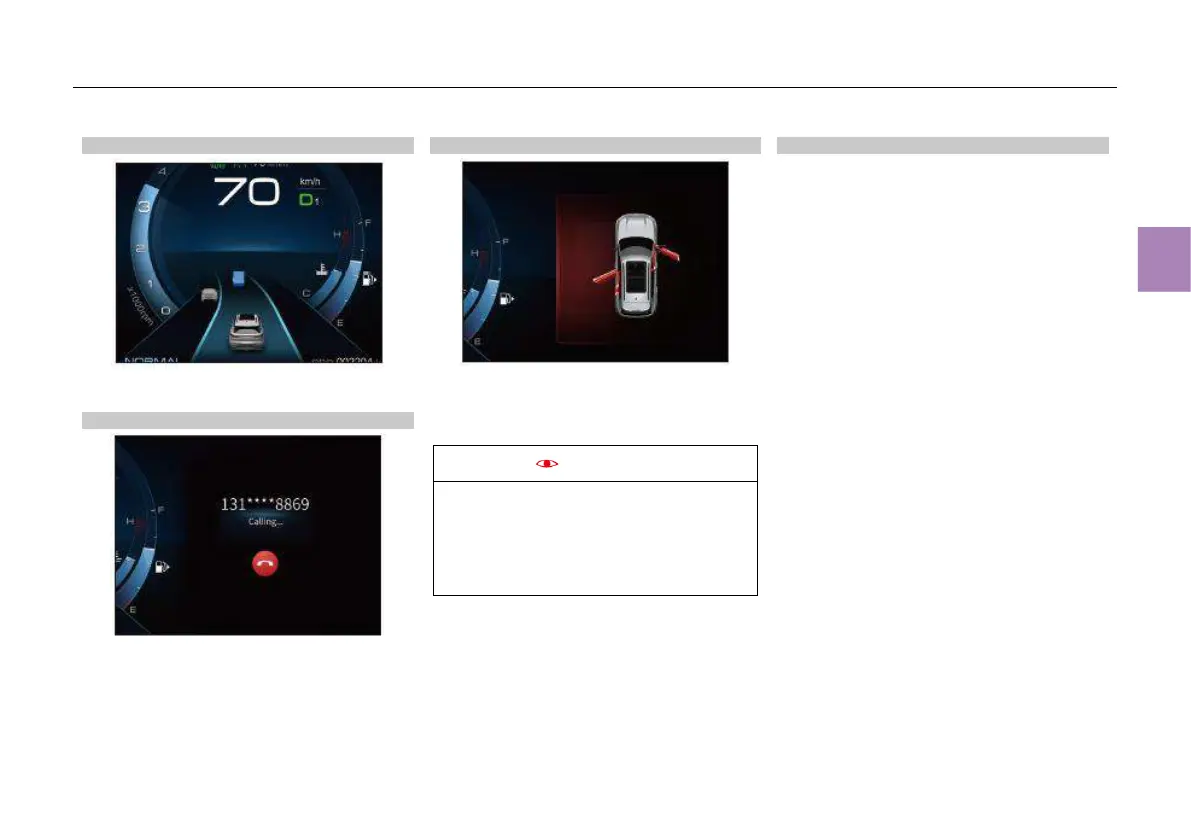
Driving assistance information
Display the road conditions, including HWA
information and lane information.
Bluetooth phone information
Display Bluetooth phone information, including
Bluetooth connection status, all calls, dialed calls
and answered calls.
Door ajar reminder
If one or more doors is open, the instrument
cluster will display a reminder that the
corresponding door(s) or the engine hood is not
closed.
The door status display only plays a
supporting role. In the case of electrical
component damage or sensor failure, it may
fail to display the door status accurately.
Please check whether all doors are closed
reliably each time before driving.
Brightness adjustment
The backlight brightness of the instrument
cluster defaults to the brightness set the last time
the ENGINE START/STOP button was set to
“OFF” position.
The backlight brightness of the instrument
cluster can be adjusted through MP5 system -
System settings - Display - Display brightness.
(Refer to MP5 and navigation system* section
for details)



 To Next Page