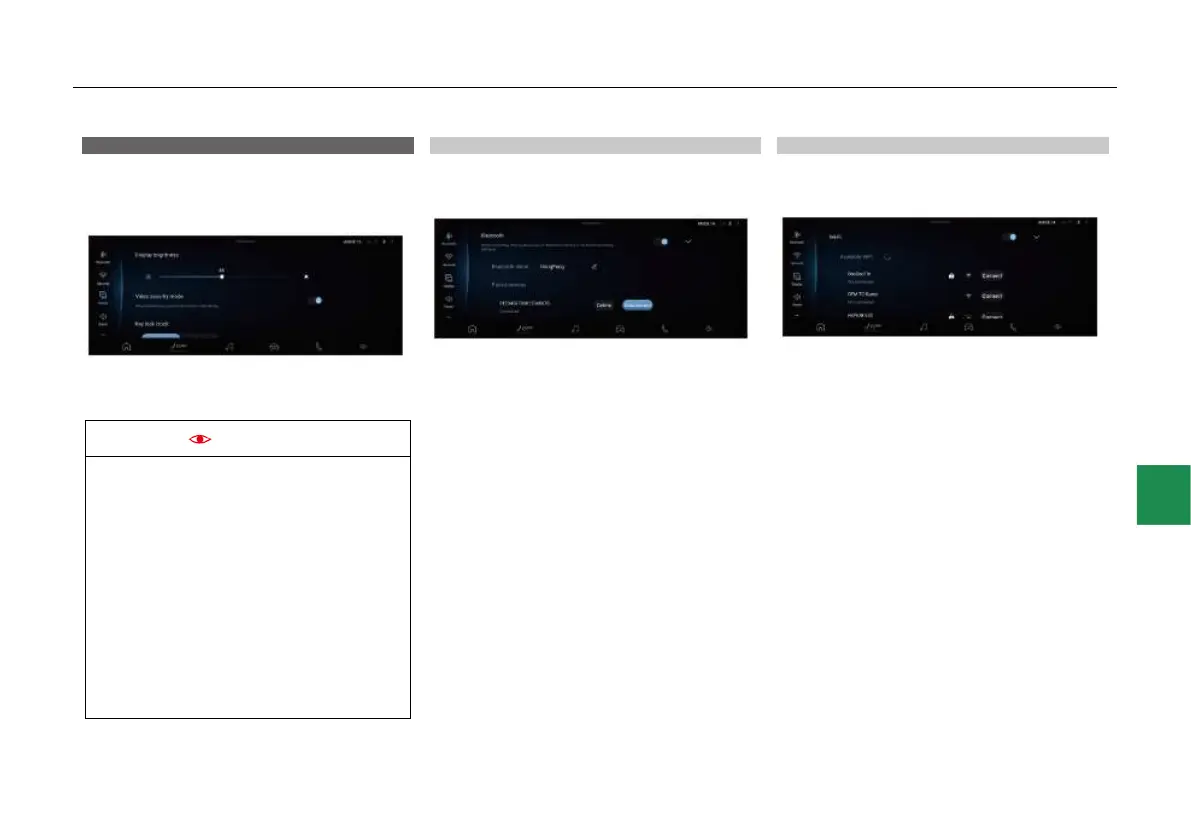
System settings
Touch the “System settings” entry in the shortcut
menu interface or the “System settings” icon in
the App menu bar to enter the system settings
interface:
● In the system settings menu interface, you
can view and set the “Bluetooth”, “Network”,
“Display”, “Sound” and “System” functions.
● When establishing Bluetooth connection
between your mobile phone and the
WindLink, please turn on the Bluetooth
detection switch via Settings>Bluetooth in
your mobile phone.
● When you make Bluetooth connection for
the first time, you need to click on the
mobile phone to confirm the connection.
● The Bluetooth connection has a memory
function. After the first connection is
successful, and if both the mobile phone
and the IHU terminal Bluetooths are
turned on next time, they will be
automatically connected.
Bluetooth connection settings
After entering the system settings interface,
touch “Bluetooth” to enter the Bluetooth function
settings interface:
● Touch the slider on the right side of
“Bluetooth”, “Auto Sync Address book” and
“Automatic fan speed reduction during call”
columns to enable/disable the corresponding
functions.
● Click directly on the bar where the device is
located to trigger the connection; If the device
is connected, another click will give a prompt
whether to disconnect the device.
● Touch the “Delete” icon to delete the
Bluetooth device.
● Touch the “Scan” icon to re-search for
available Bluetooth devices nearby.
Network settings
After entering the system settings interface,
touch “Network” to enter the network function
settings interface:
● Touch the slider on the right side of “WiFi”
bar to turn on or off the WiFi function.
● Click the “Connect” icon in the bar where the
device is located to trigger the connection,
and enter the password for login.
● Touch the “Scan” icon to re-search for
available WiFi devices nearby.



 To Next Page