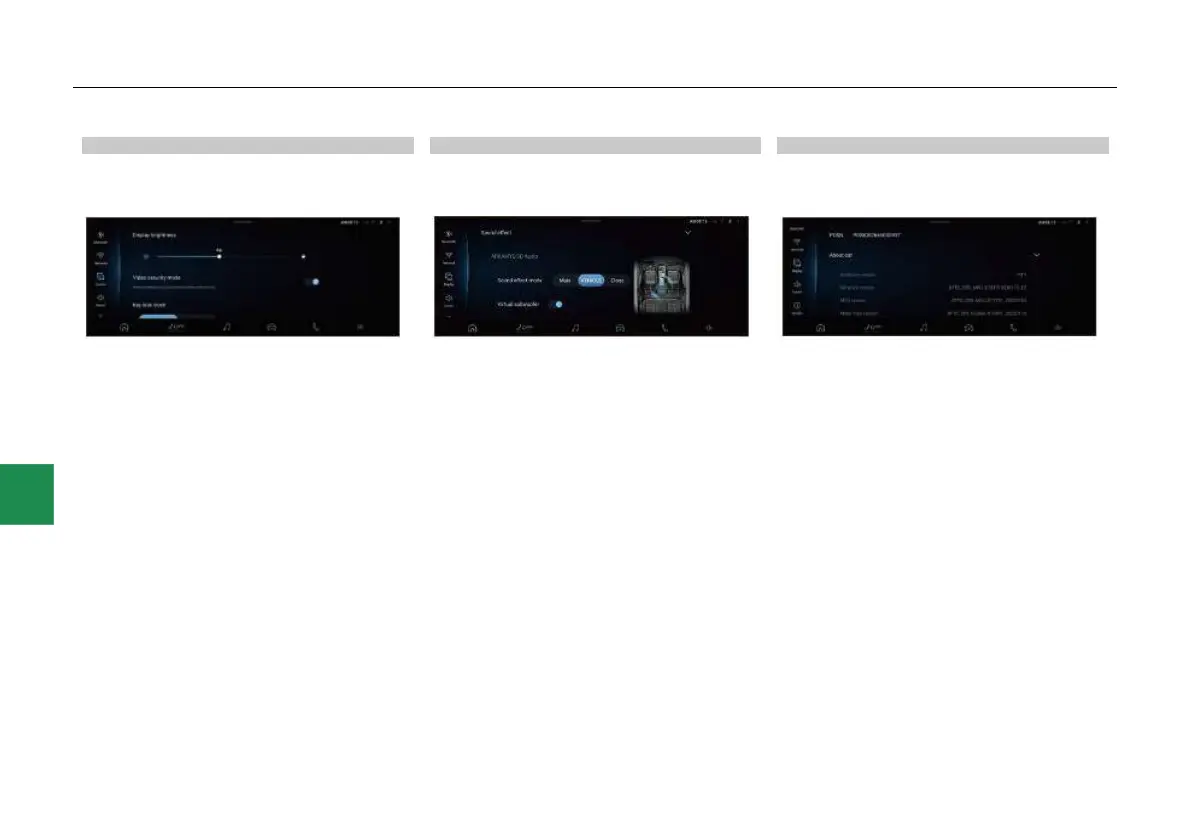
Display settings
After entering the system settings interface,
touch “Display” to enter the display function
settings interface:
● In the display settings interface, you can view
and set the display brightness, video security
mode, key lock clock, language, date and
time functions.
● Slide the screen up and down to see more
display function settings.
● Touch the slider on the right side of “Video
safe mode” to turn on/off the corresponding
functions.
Sound settings
After accessing the system settings interface,
click “Sound” to access the sound settings
interface.
● In the sound setting interface, you can view
and set the functions such as volume,
ARKAMYS 3D sound effect*/JAMO sound
effect*, equalizer, sound field, loudness
compensation control, and speed sensitive
volume control.
● Touch the slider on the right side of
“Loudness compensation control” to turn
on/off the corresponding functions.
System function viewing and setting
After entering the system settings interface,
Touch “System” to enter the system function
viewing and setting interface:
● In the system function viewing and setting
interface, you can view and set functions
such as “System version”.



 To Next Page