⑨ Temperature down button
⑩ Front windshield defogger/air outlet mode
⑪ Panel mode
⑫ Floor mode
⑬ Fan speed up button
⑭ Fan speed down button
Seat ventilation control (for driver's seat
only)*
⑮ Seat ventilation ON/mode adjustment button
To exit the A/C/seat control interface, click the
icon in the bottom menu bar of the interface to
return to the home page or enter other function
menus.
● The A/C system can also be controlled by
the control panel on the vehicle, and the
running status of the A/C displayed on the
MP5 display will be updated
synchronously.
● When the button on the MP5 display is
highlighted o the indicator lamp on the
button comes on, it means that the button
function is enabled.
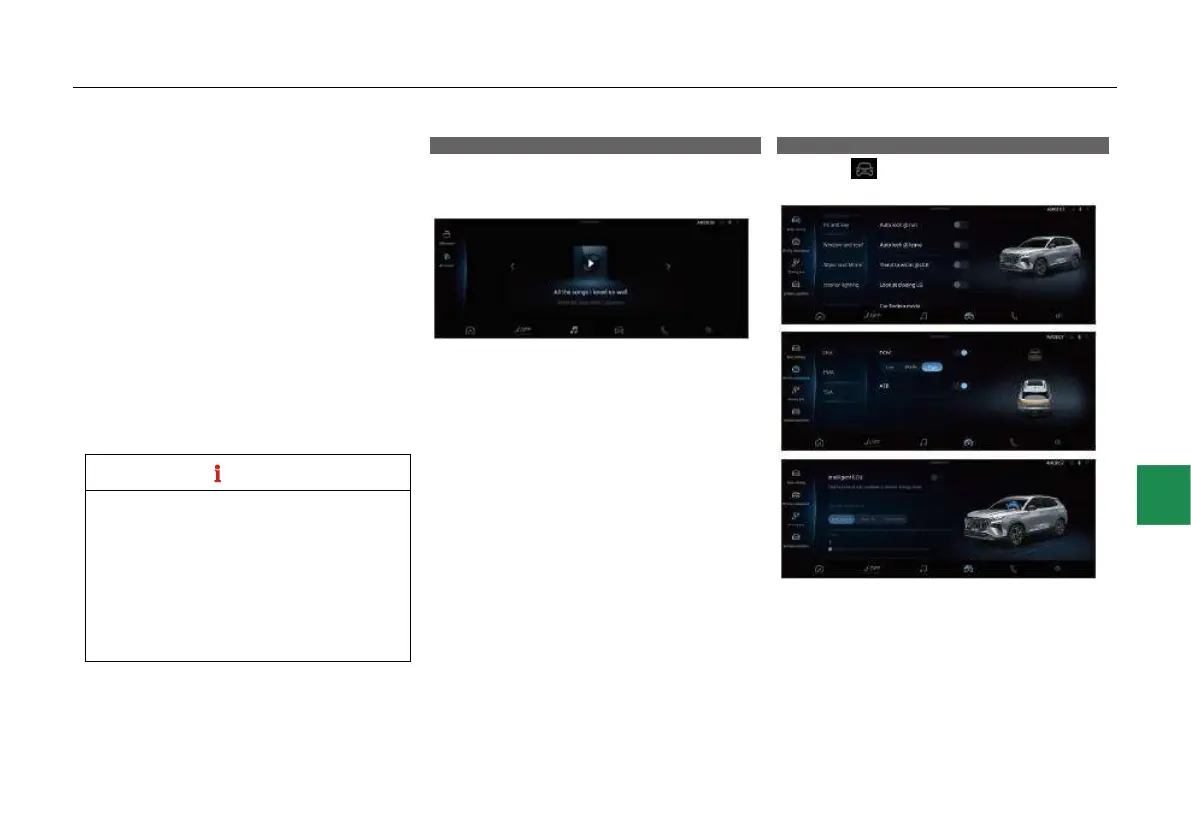
Music
Click the “Music” icon in all menus or bottom
menu bar to open the multimedia-local music
interface:
● In the music interface, you can play USB
music or Bluetooth music.
- Before playing local music, make sure that
the USB device is properly plugged in or the
Bluetooth connection is established, and that
a valid local music file exists.
CarCenter
Click the “ ” icon in the bottom menu bar to
open the CarCenter interface:



 To Next Page