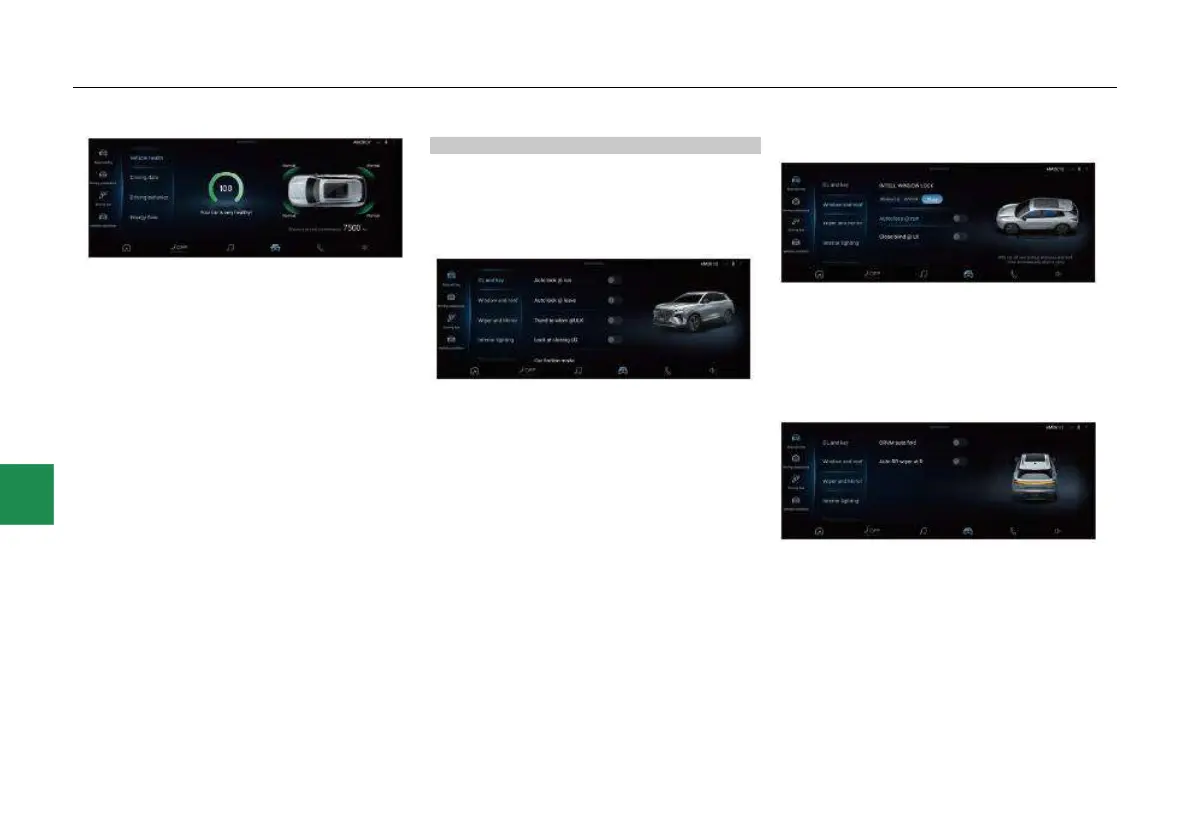
● In the CarCenter interface, you can view and
set the body setting, driving assistance,
driving fun and vehicle condition. Select the
appropriate menu and slide up and down the
secondary menu to see more vehicle
settings.
Body setting
In the body setting interface, you can set the “DL
and key”, “Window and roof”, “Wiper and mirror”,
“Interior lighting”, “Exterior lighting” and
“Convenient”.
DL and key setting
● In the body setting - DL and key interface,
click the slider on the right side of “Auto lock
@ run”, “Auto lock @ leave”, “Trend to wlcm
@ULK”, “Lock at closing LG” and “AR
projection trunk lid*” to enable or disable the
corresponding function. The car finding mode
and anti-theft mode reminder mode can be
set at the same time.
Window and roof setting
● In the body setting - Window and roof
interface, click the slider on the right side of
“Autoclose @ rain*” and “Close blind @ LK”
to enable or disable the corresponding
function. The INTELL WINDOW LOCK mode
can be set at the same time.
Wiper and rearview mirror setting
● In the body setting - wiper and rearview
mirror interface, click the slider on the right
side of “ORVM auto fold*” and “Auto RR
wiper at R*” to enable or disable the
corresponding function.



 To Next Page