Video
Before playing video, please make sure the USB
device is correctly connected.
Click the “Video” icon in the App menu bar or
speak the request to open the video. If a USB
flash drive with valid video files has been
connected, all video files in the USB flash drive
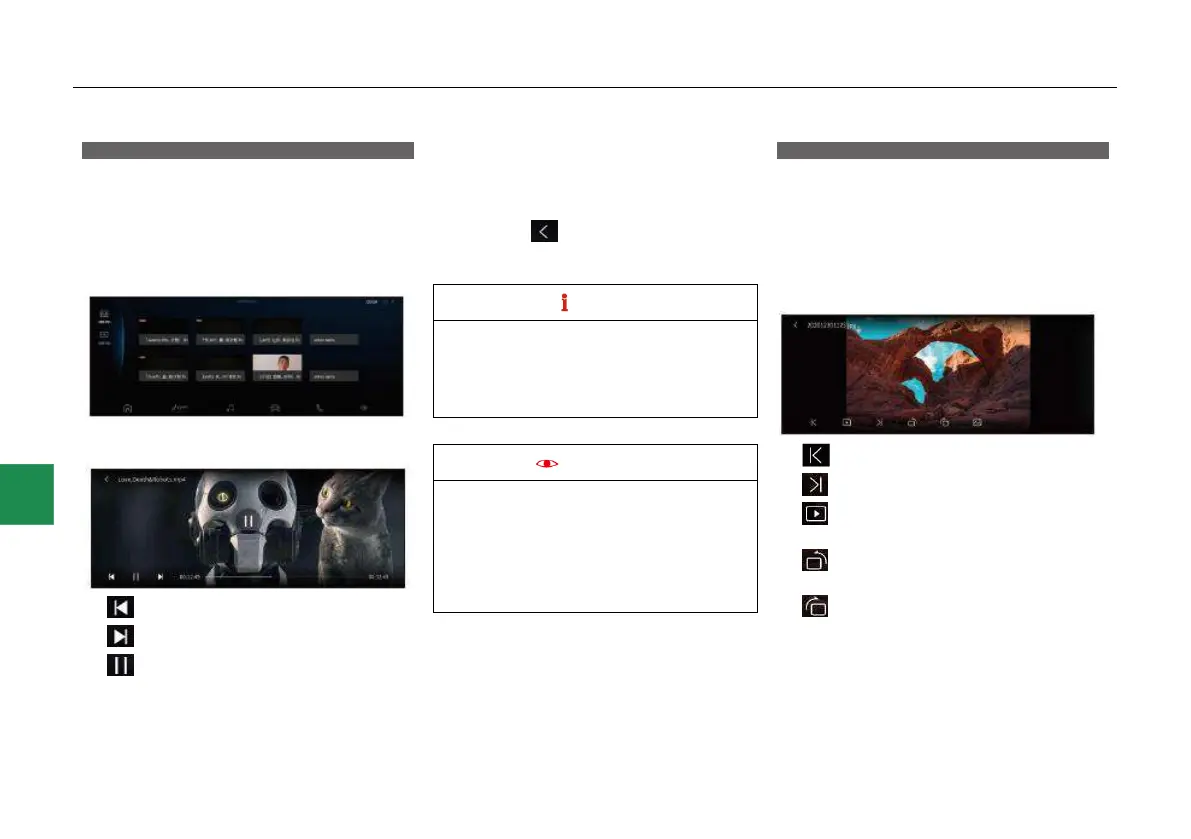
will be displayed:
Touch any video icon to enter the video play
interface:
● - Play the previous video.
● - Play the next video.
● -Pause/play button: Click the button to
play the video or pause the video play.
● Drag the progress bar left and right or slide
the screen left and right to control the video
play progress.
● Touch the icon in the upper left corner
of the screen to return to the video list
interface.
● During system playback, if there is a third-
party operation (such as an incoming
call), the system automatically pauses the
p ayb k, and resumes playback fter
the third-party operation ends.
● When the “Video safe mode” function is
turned on in the system setting “Display”,
if the vehicle speed exceeds 15km/h
during video playing, a pop-up box will
appear for safety reminder. Continue
playback/ top playback operation is
supported.
Picture
Before playing picture, please make sure the
USB device is correctly connected.
Click the “Picture” icon in the App menu bar or
speak “Open picture”. If a USB flash drive with
valid picture files has been connected, all picture
files in the USB flash drive will be displayed.
Click any picture to enter the picture viewing
interface:
● -Play the previous picture.
● -Play the next picture.
● -Auto play button: Click the button to play
the pictures in the picture list automatically.
● -Touch the button to rotate the picture
90° anticlockwise.
● -Touch the button to rotate the picture
90° clockwise.



 To Next Page