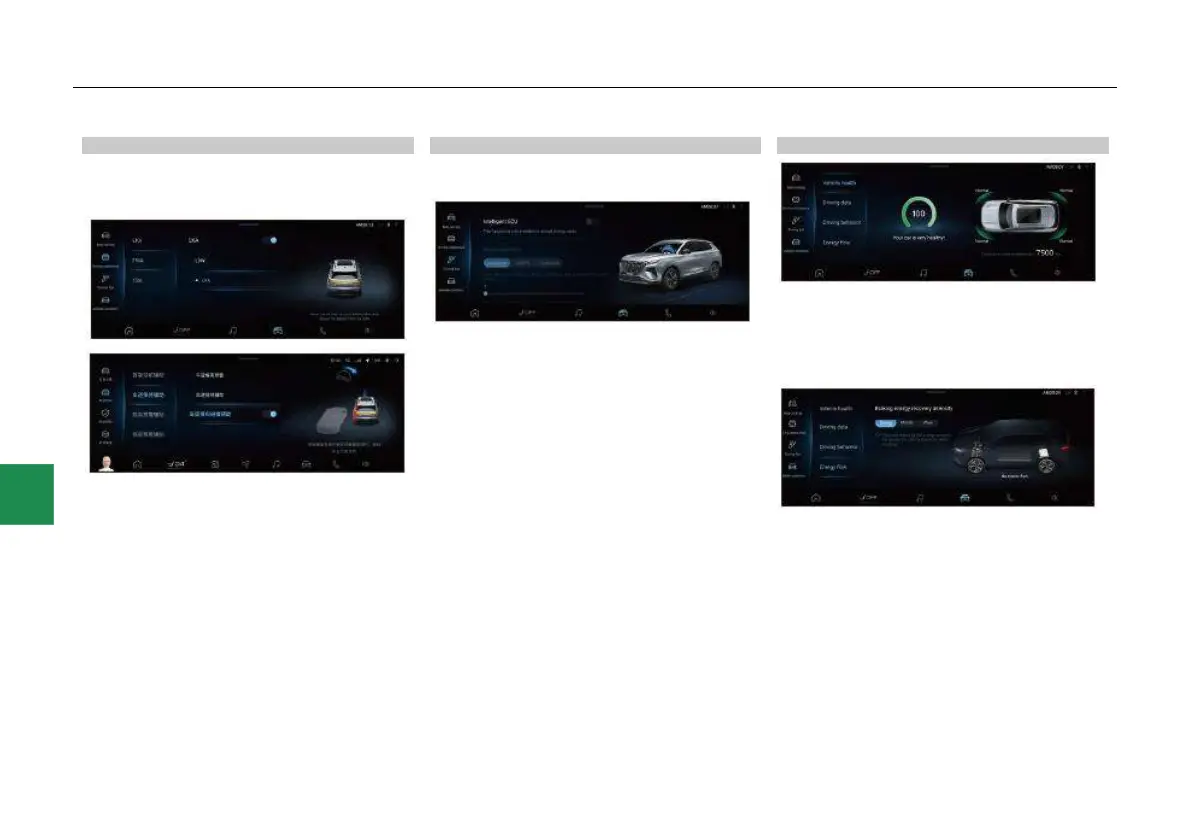
Driving assistance* setting
In the driving assistance interface, you can set
the driving assistance functions such as “LKA”,
“FWA”, “Rear side warning assist” and “TSA”.
● In the driving assistance setting - LKA
interface, click the slider on the right side of
“LKA”, “FCW” and “TSR” to enable or disable
the corresponding function. When the LKA
function is set ON, the LKA mode can be
selected.
Driving fun* setting
The intelligent driving fun function can be
enabled or disabled in the driving fun interface.
● Click the slider on the right side of “Intelligent
ECU” to enable or disable the intelligent
driving fun function. This function can only be
set in Normal driving mode.
● When the intelligent ECU function is enabled,
the vehicle power output can be intelligently
adjusted according to your driving style.
There are three power output modes, namely
“Intel power”, “Intel FS” and “Customize”.
● In this interface, you can also adjust the
steering assist mode*.
Vehicle condition viewing
In the vehicle condition interface, you can view
vehicle health, driving data, driving behavior and
energy flow related data.
● For HEVs, you can also view the energy flow
state in the CarCenter interface.
- The braking energy recovery intensity can be
set in the energy flow state interface. The
intensity has 3 levels, namely “Strong”,
“Middle” and “Weak”.



 To Next Page