Faxing (Fax Model Only) 273
8
8
8
8
8
8
8
8
8
8
8
8
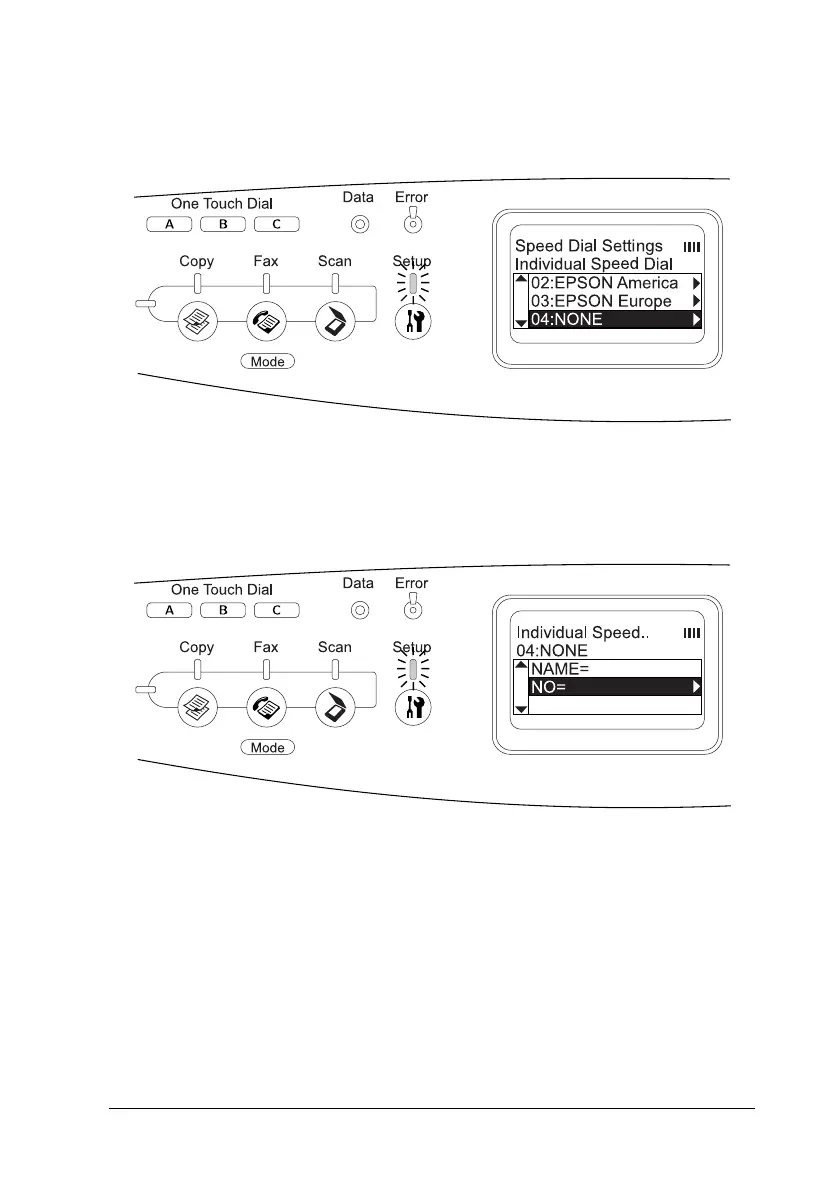
5. Press the u Up or d Down button several times to select the
number displayed as NONE, and then press the r Right button.
6. Press the d Down button to select NO=, and then press the
r Right button.
Note:
To register a recipient name to the speed dial, use EPSON Speed
Dial Utility. For details, see online help.



 To Next Page
 Loading...









