Faxing (Fax Model Only) 275
8
8
8
8
8
8
8
8
8
8
8
8
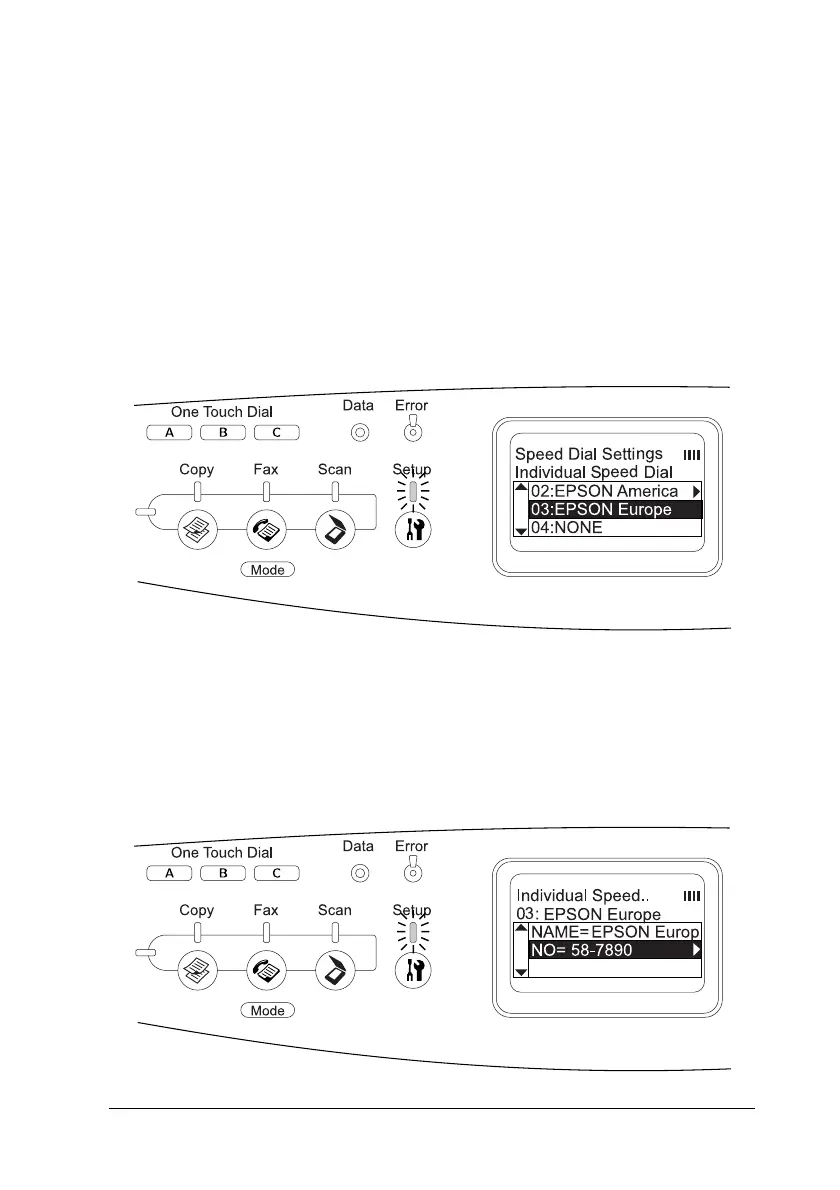
3. Press the u Up or d Down button several times until Speed
Dial Settings appears, then press the r Right button.
4. Make sure that Individual Speed Dial is selected, and then
press the r Right button.
The Speed dial list appears.
5. Press the u Up or d Down button several times to select the
recipient you want to change, and then press the r Right
button.
6. Make sure that Change is selected, and then press the r Right
button.
7. Press the d Down button to select NO=, and then press the
r Right button.



 To Next Page
 Loading...









