290 Using the Control Panel
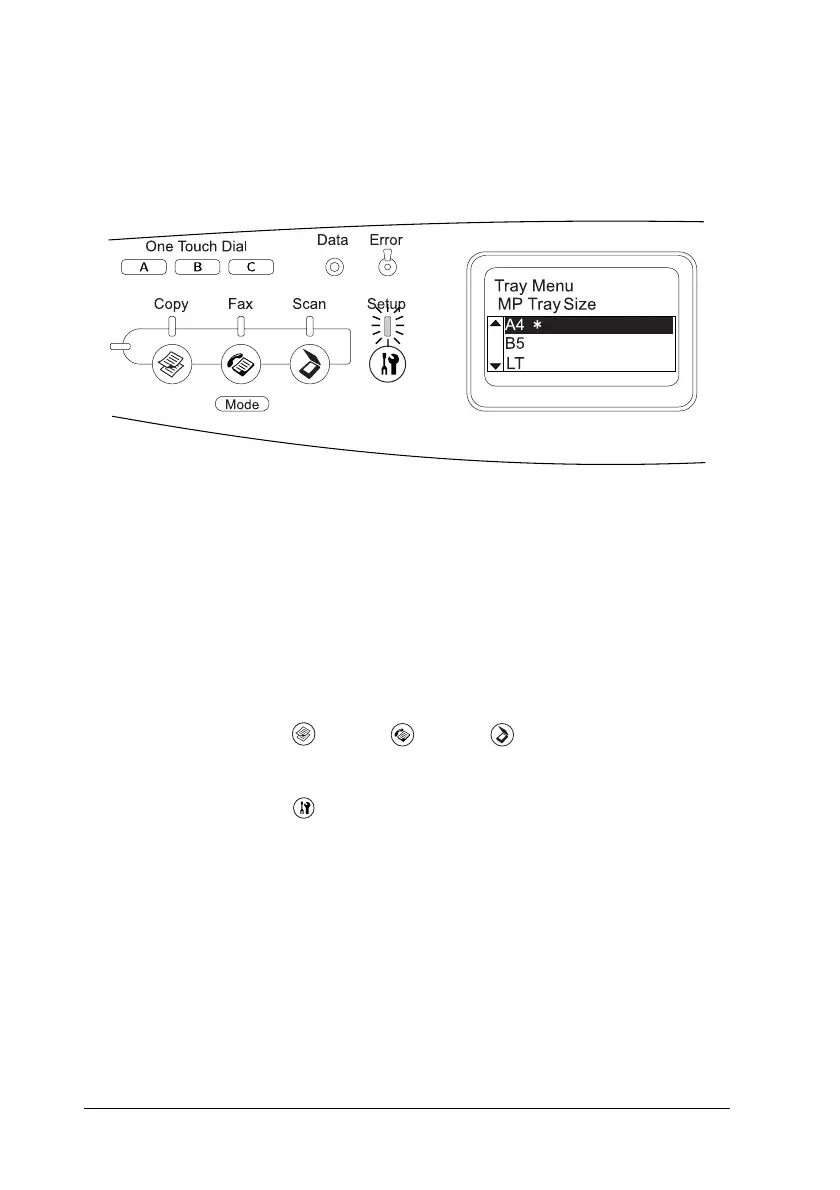
3. Use the u Up and d Down buttons to scroll through the items,
and then press the r Right button to carry out the operation
indicated by the selected item, or to view the settings available
for the item.
Note:
❏ To return to the previous (higher) level, press the l Left button.
❏ The
✽
asterisk mark indicates the current setting value.
4. Exit the Setup menu.
To switch to another mode, use the following method.
❏ Press the Copy, Fax, or Scan button to switch
to the corresponding mode.
❏ Press the Setup button again in Setup mode to switch
to the Print mode.












 To Next Page